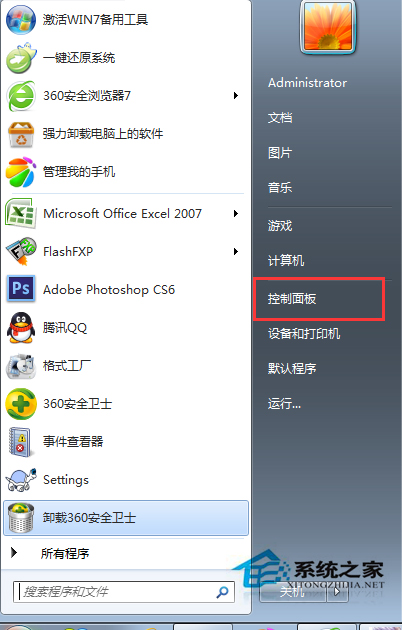
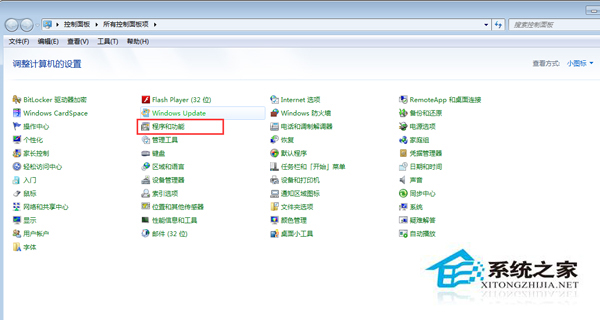
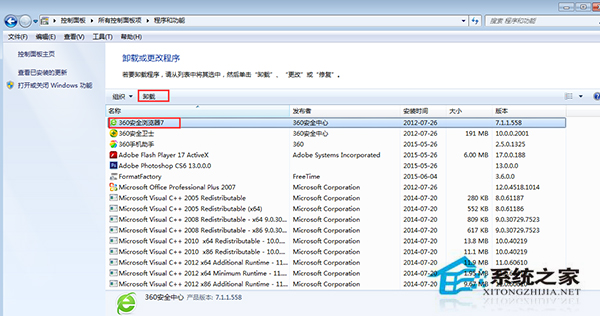
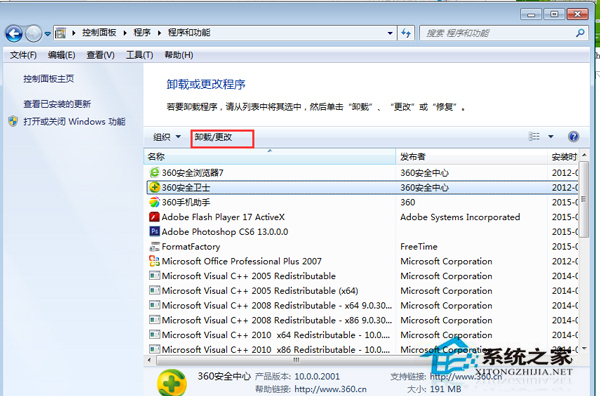
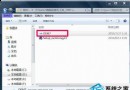
Windows 7 內建許多較少使用的元件 (如遊戲、Windows Media Center、平板電腦元件等),佔用磁碟空間。可透過「程式和功能」中的「開啟或關閉 Windows 功能」移除。
注意:部分功能 (如 .NET Framework、Internet Explorer) 為系統核心相依,移除可能導致其他軟體無法運作,請謹慎操作。
Win7 區域網路跨網段共享印表機:修改 hosts + 啟用 NetBIOS over TCP/IP 完整教學
Win7啟動修復提示spoon.sys損壞解決方法
Win7 如何解除安裝 IE9?控制台「開啟或關閉 Windows 功能」移除內建瀏覽器
Win7 無法調整音量?登錄表新增 Systray 執行路徑恢復音量控制視窗
Win7 64 位元「區域連線」不見了?檢查停用狀態與網卡驅動
Win7 安裝 NVIDIA 顯卡驅動失敗?啟動 Windows Installer 服務即可解決
Win7 安裝 SQL Server 2008 提示「重新啟動電腦失敗」?兩大註冊表/組策略清理法強力破解
Win7 控制台「RemoteApp 與桌面連線」怎麼用?設定遠端應用程式與桌面存取