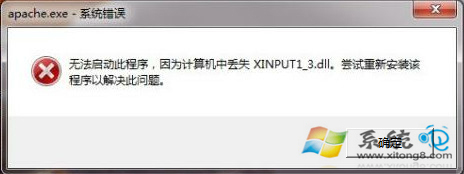
執行程式時提示「找不到 xinput1_3.dll」,導致無法啟動。這是 DirectX 相關動態連結庫遺失所致。本文說明正確的檔案放置路徑與註冊方法,支援 32/64 位元系統。
C:\Windows\System32
C:\Windows\SysWOW64
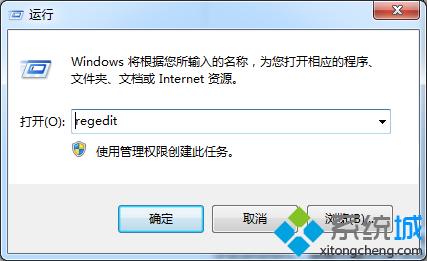
regsvr32 xinput1_3.dll
若操作後仍提示遺失,可能原因:
硬碟安裝 Win7 詳細圖文教學:NT6 HDD Installer 一鍵部署
Win7 旗艦版安裝驅動失敗提示「檔案遺失」?命令列定位遺失路徑並補全檔案修復
Windows 7 實用鍵盤快速鍵大全:掌握這些讓操作效率翻倍
Win7 開機自動彈出 desktop.ini 記事本怎麼辦?
Windows 7 工作管理器看不到選單列/標題列?雙擊邊框一秒恢復
Windows 7 筆電電池圖示消失找回方法
Win7 最快開啟命令提示字元:Shift + 右鍵「在此處開啟命令視窗」
Win7 開機「Intel RST 服務未在執行」完整修復:BIOS 設定、服務啟動、相依服務檢查