需啟用 AHCI 模式卻在登錄找不到 msahci,通常是路徑展開不夠仔細或項目確實不存在。解法:① 正確路徑 HKEY_LOCAL_MACHINE\SYSTEM\CurrentControlSet\Services\msahci 仔細逐層展開;② regedit → Ctrl+F 搜尋「msahci」勾選「項目」與「完整字串比對」→ 耐心等待定位;③ 確定不存在則在 Services 右鍵 →「新增」→「項目」→ 命名 msahci 即可手動建立。
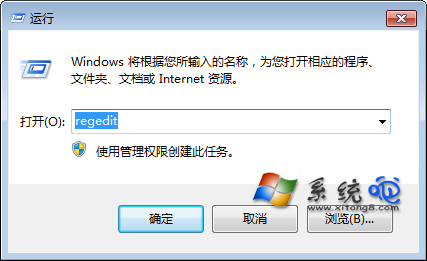
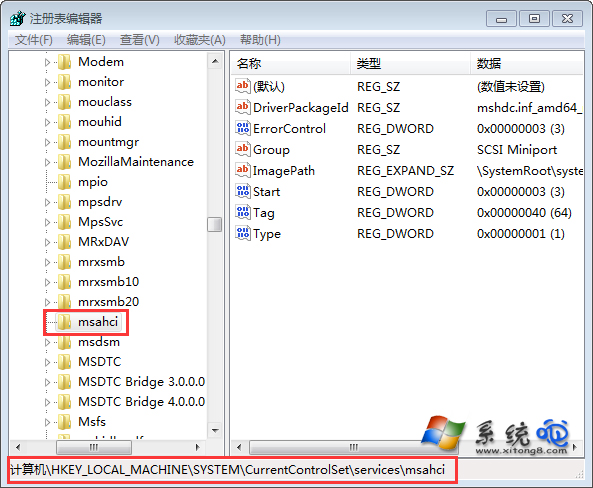
HKLM\SYSTEM\CurrentControlSet\Services\msahci 逐層展開。Services 右鍵新增項目命名 msahci。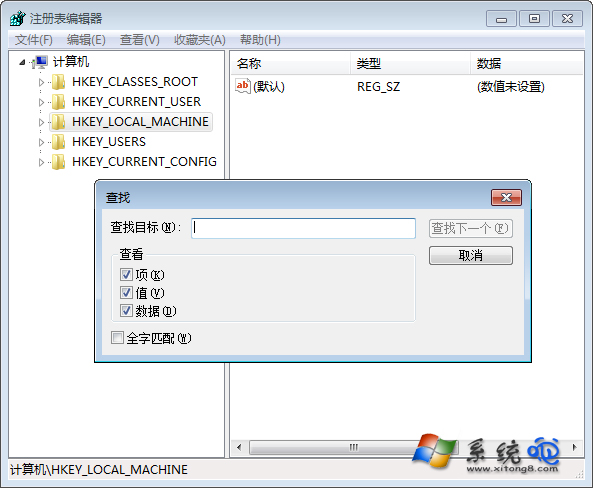
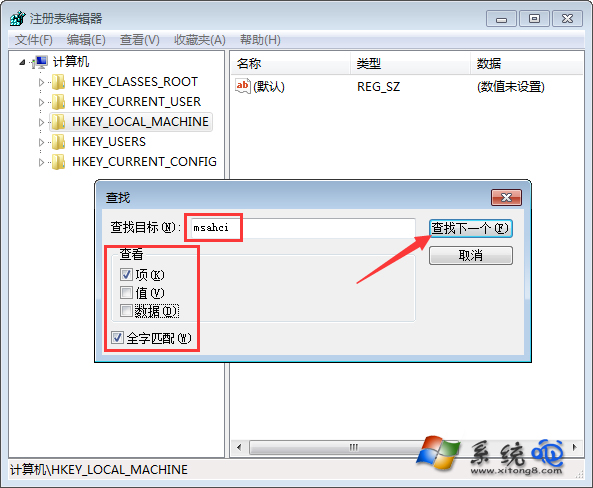
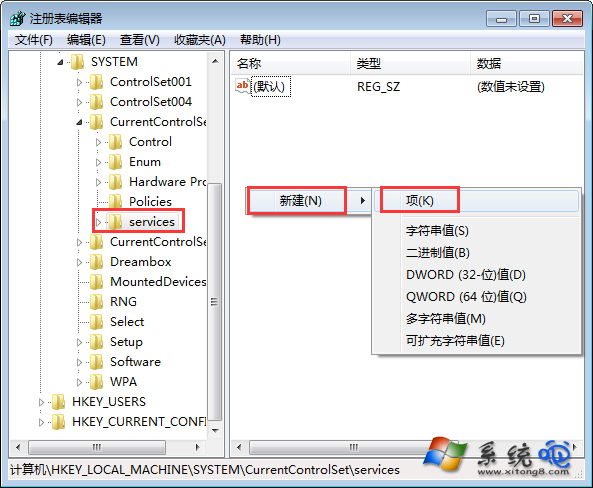
此技巧同樣適用於其他找不到的登錄子項查找與建立。