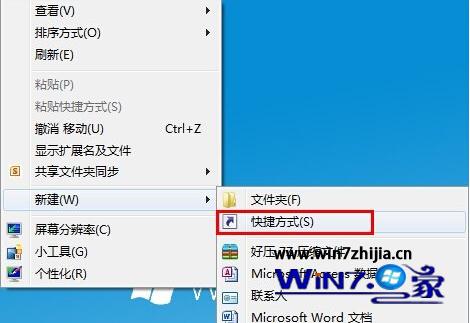
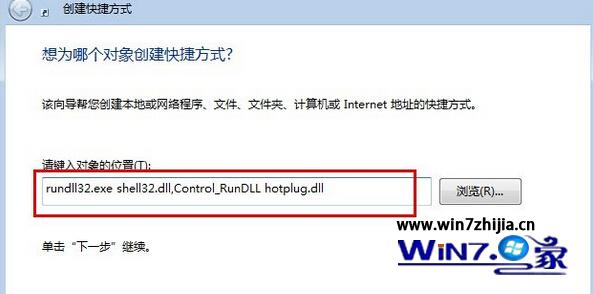
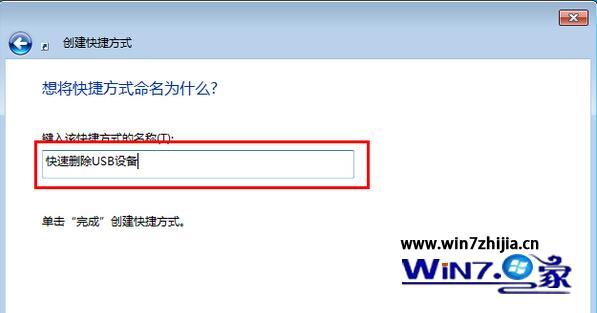
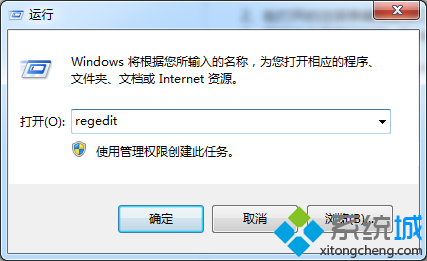
rundll32.exe shell32.dll,Control_RunDLL hotplug.dll
免去右鍵托盤圖示多層選單,適合頻繁插拔 USB 隨身碟/行動硬碟的用戶。
Win7 媒體中心打造影音娛樂中心:線上高清影視、音樂、圖片一站滿足
Windows 7 RC 安裝前必讀:系統需求、產品金鑰、升級路徑與注意事項完整整理
善用群組原則:讓 Win7 只識別自家 USB 隨身碟,拒絕陌生裝置
一勞永逸:善用 Win 7 「連絡人」與「預覽窗格」輕鬆寄發郵件
Ctrl+Esc 替代 Win 鍵開啟開始選單:任務列隱藏時的救命熱鍵
解決 Win7 連無線網後有線網無法連線:優先順序與設定檔衝突排除
Windows 7 系統還原功能完整教學:建立還原點/還原檔案/設定保護磁碟
網卡開機安裝 Windows 7:WDS 服務部署與 PXE 啟動完整流程