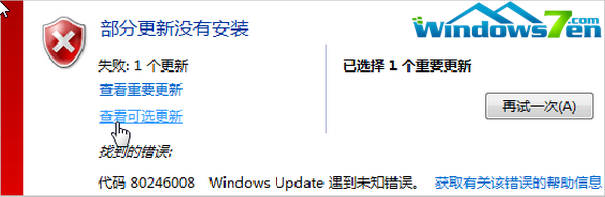
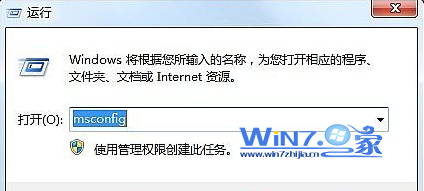
C:\Windows\SoftwareDistribution\DataStore
C:\Windows\SoftwareDistribution\Download
完成後建議重開機一次,確保服務乾淨啟動。
Win7 如何在 BIOS 中停用內建網卡 (Onboard LAN)
Win7 磁碟機圖示消失(顯示未知檔案圖示)?刪除 autorun.inf 即可
Win7 磁碟管理合併分區操作:刪除磁碟區再擴充相鄰分區
Win7 任務排程器設定自動關機:每日/每週定時、倒數計時、命令參數完整教學
Win7 設定個性化開機音樂(WAV 格式 + 聲音設定)
給 Windows 7 XP Mode 打分:F —— 五大缺陷讓人失望
Windows 7 關機、睡眠、休眠、混合模式完整比較:找出最適合你的電源選項
Windows 7 內建備份還原全攻略:還原點建立、分級還原與實測心得