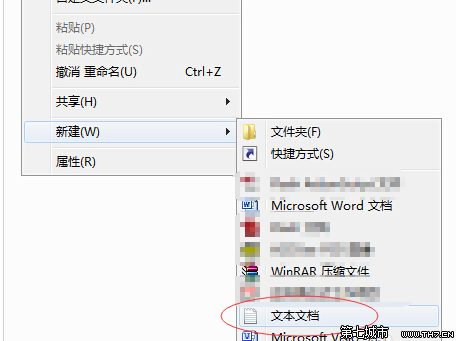
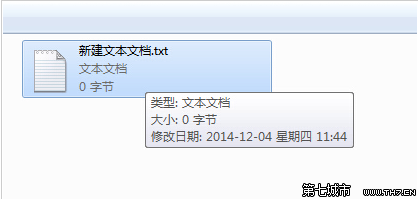
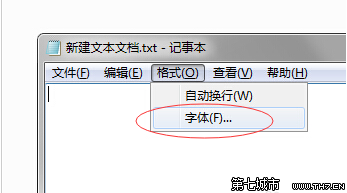
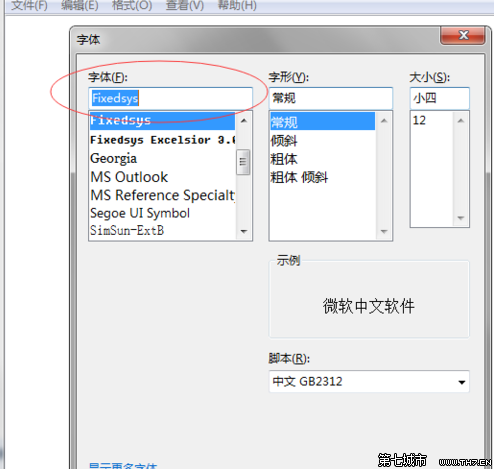
設定僅套用於目前記事本視窗,關閉後下次開啟仍為預設字型。若需永久變更,需修改登錄檔或使用第三方編輯器 (Notepad++、VS Code)。
Win7 解除安裝已安裝更新補丁:控制台程式和功能檢視已安裝更新
筆記本 Win7 設定僅關閉螢幕不進入睡眠
Win7 桌面捷徑小箭頭怎麼去掉?透明圖示替換法最完美
筆電 Win7 無線網路「受限制存取」/「無法連線」 完整六大排查方案
Win7 筆記本開啟無線熱點分享網路給手機完整圖文教學
Windows 7 筆電開啟虛擬 WiFi 熱點分享網路給手機:指令法完整教學
Windows 7 設定開機自動撥號上網(ADSL/PPPoE)
Win7 怎麼顯示隱藏檔案?圖文教學 3 步驟輕鬆搞定