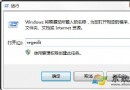
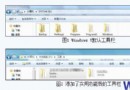
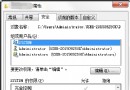
「魔方優化大師」免費、介面友善,提供「右鍵選單自訂」功能,無需手動編輯登錄檔。
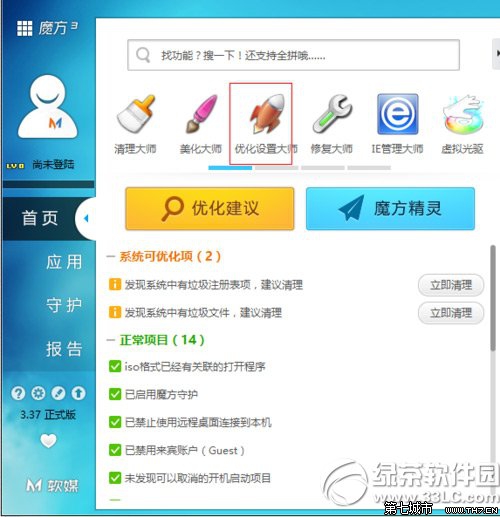
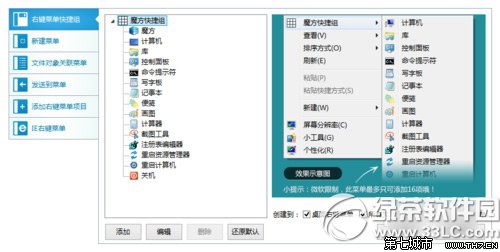
視覺化操作、支援備份還原、可一鍵恢復預設,適合不熟登錄檔的使用者。
Win7 版 WMP 具備自動調節比特率功能 依網速優化串流播放
Windows 7 多媒體中心不只是播放器:整合影音、刻錄、電視同步與網路電視
Windows 7 ADSL 撥號上網完整設定:建立連線、加速撥號、開機自動撥號、隱形撥號腳本
微軟內核工程師揭密:Windows 7 內核重寫鎖機制、效能優先,非單純 Vista SP3
Windows 7 小改進:定時自動換桌布 (10 秒至 1 天)、RSS 製作桌面幻燈片
Windows 7 開啟裝置管理器三大法:電腦管理、系統內容、devmgmt.msc 執行指令