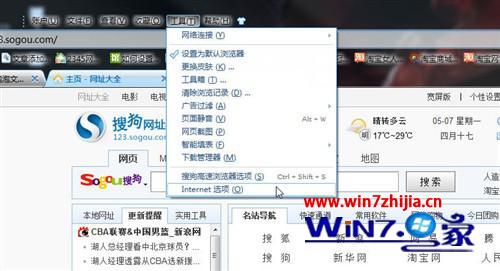
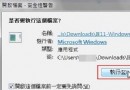
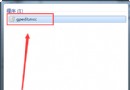
IE 封鎖 ActiveX 導致網頁影片無法播放?調整安全性等級並啟用相關選項。
注意:安全性等級設為「高」會強制禁用 ActiveX,必須設為「中」。
Win7 更換主題後輸入法圖示顏色不變修復:文字服務設定 → 美式鍵盤屬性 → 變更圖示 → 選擇匹配主題顏色
Windows 10 安裝提示「此金鑰不適用於此版本」解決:跳過輸入稍後啟動
Win7 USB 開機兩大法:BIOS 設定首要序 vs 開機熱鍵快速選單
Windows 7 面臨雙重挑戰:微軟自身與雲端運算崛起
Win7 聲音忽大忽小?關閉「通訊活動」自動降低音量功能
Win7 隱藏神器:問題步驟記錄器與螢幕色彩校正器 遠端除錯與顯示調校兩不誤
Ghost Win7 運行遊戲提示「系統資源不足」?三大優化方向釋放資源
Win7 IE8 無回應/當機?四步驟重置修復流程(順序勿亂)