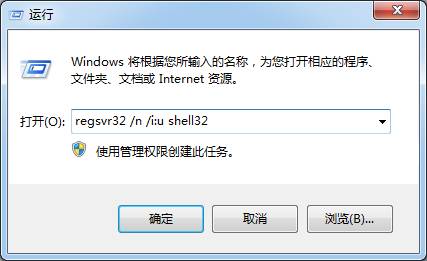
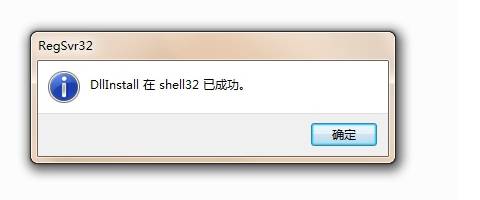
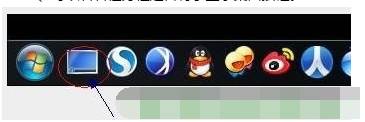
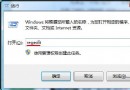
工作列「顯示桌面」圖示不見時,可透過註冊 shell32.dll 快速恢復:
shell32.dll
regsvr32 /n /i:u shell32
指令必須完整輸入,包含空格與參數 /n /i:u。恢復後點擊該圖示即可一鍵最小化所有視窗回到桌面。
/n /i:u
Windows 7 刪除管理員帳戶:電腦管理本地使用者與群組
Win7 開機啟動緩慢怎麼辦?msconfig 設定啟動超時與多核心加速開機
Win7 滑鼠單擊變雙擊怎麼辦?結束 wowexec/cdilla 進程或啟用單擊鎖定兩招解決
Win7 顯示隱藏資料夾完整教學
Win7 攝影機啟動失敗/黑畫面?驅動程式更新完整教學
記事本快速刪除登錄鍵值技巧:.reg 檔案一鍵導入
Win7 瘦身大作戰:刪除休眠檔、壓縮 WinSxS、優化虛擬記憶體三招釋放 C 槽空間
Windows 7 自動登入設定:rundll32 netplwiz.dll 一鍵開啟帳戶控制