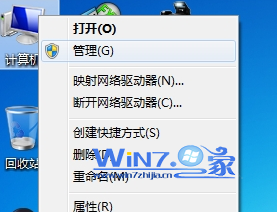
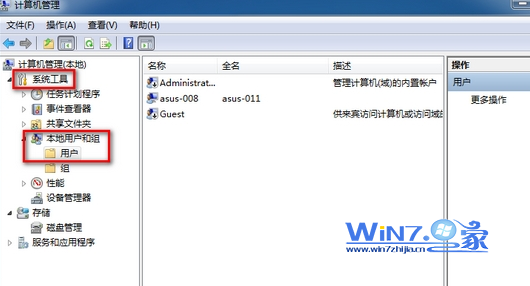
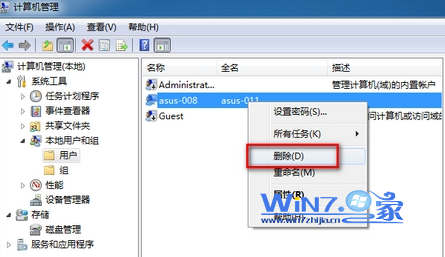
Administrator 帳戶無法由此介面刪除 (只能停用),建議停用而非刪除。C:\Users\帳戶名) 及所有資料,**請先備份重要檔案**。重裝 Windows 7 不丟資料:金山裝機精靈 2.0 一鍵備份 180 項個人資料與驅動程式
Windows 7 桌面小工具消失?註冊 DLL 並重設 IE 安全性即可恢復
Win7 32 位元旗艦版編輯 Boot.ini 兩種方法:系統屬性啟動修復與 msconfig 系統設定
Windows XP 核心系統程序完整解析 (smss.exe, csrss.exe, winlogon.exe...)
活用 Win 7 搜尋功能:縮小範圍、自訂索引、不搜尋子目錄、自然語言、通配符、儲存搜尋、預覽窗格,更快更準更貼心
手動清理筆電 Win7 灰塵注意事項:螺絲起子品質、斷電拔電池、釋放靜電三大鐵則
PXE 網路開機安裝 Win7 原理與實作:深度遠端開機管理器 + 小小強 PE 工具箱 + ImageX 鏡像部署
Win7 藍屏 0x000000D1 (DRIVER_IRQL_NOT_LESS_OR_EQUAL) 完整排查與修復指南