Windows 7 開機後自動彈出網頁、對話框、大量 IE 視窗,依現象分類提供解決方案:
regedit。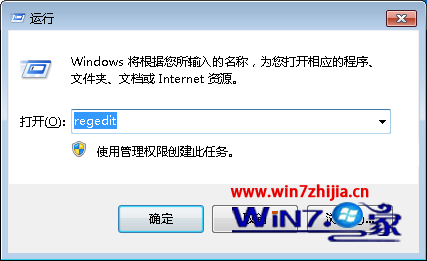
HKEY_LOCAL_MACHINE\Software\Microsoft\Windows\CurrentVersion\Winlogon,刪除右側 LegalNoticeCaption 與 LegalNoticeText 兩字串值。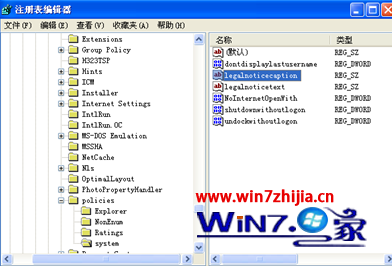
msconfig →「啟動」索引標籤。.url、.html、.htm 的項目 → 套用 → 重新開機。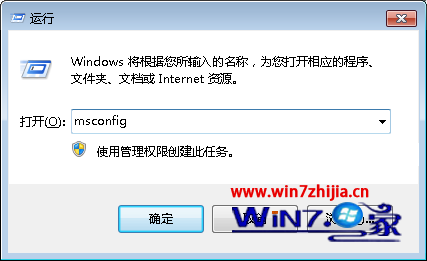
iexplore.exe → 右鍵「結束處理程序樹」,所有 IE 視窗將一次關閉。msconfig →「啟動」→ 取消勾選副檔名為 .hta 的項目 → 重新開機。regedit -s)msconfig →「啟動」→ 取消勾選參數含 regedit -s 的項目 → 重新開機,再修復登錄檔。逐項排查啟動項,即可徹底解決開機自動彈出視窗困擾。