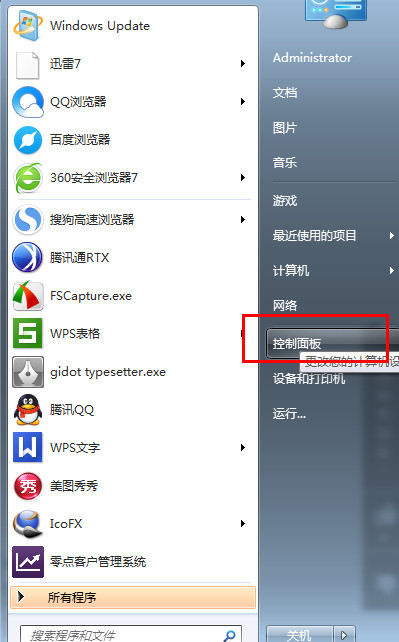
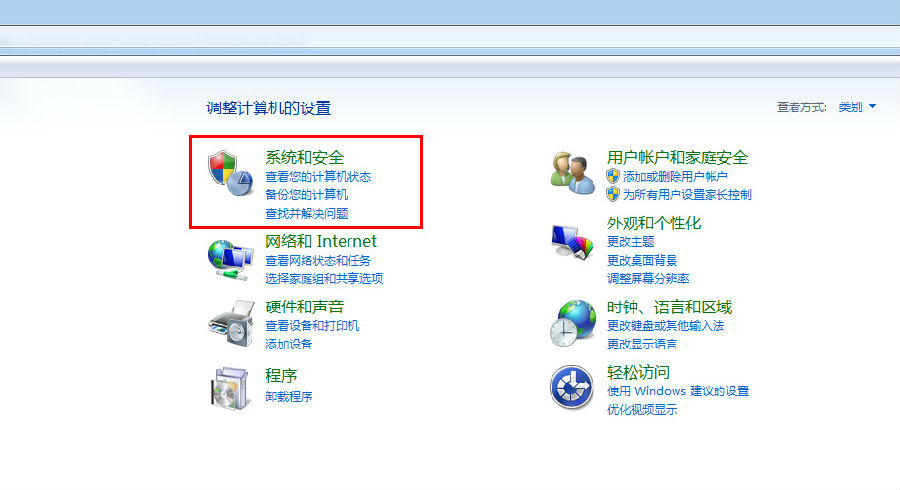
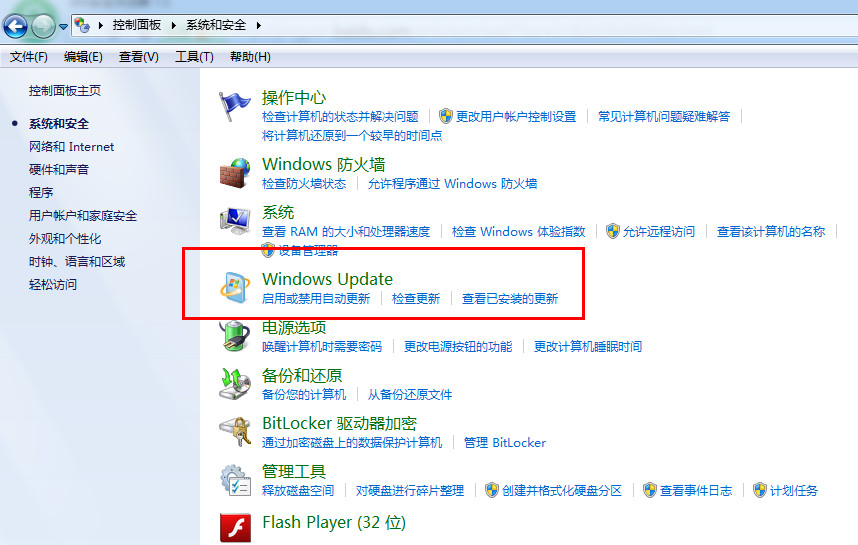
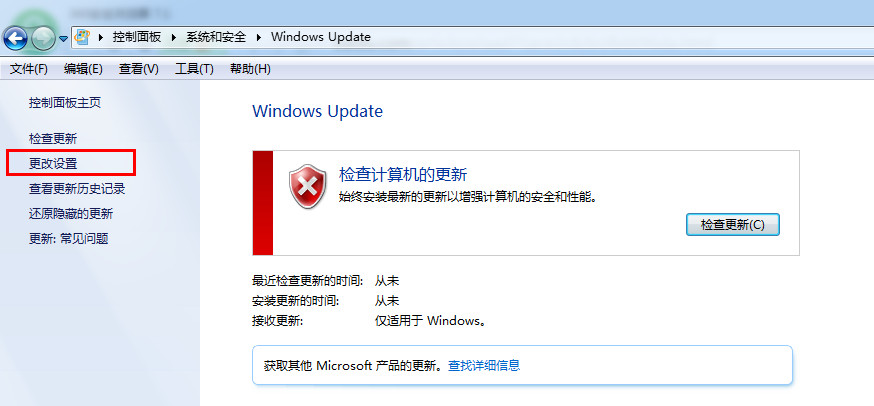
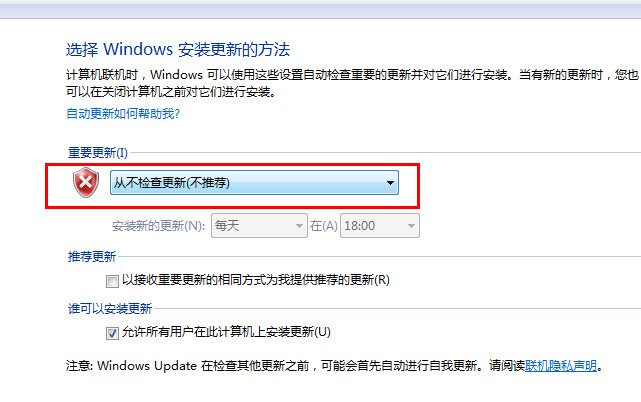
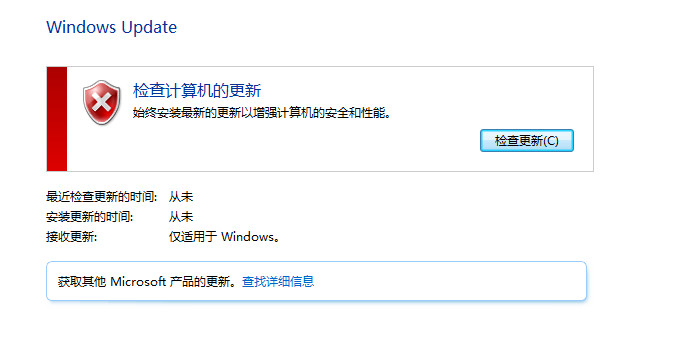
若需暫時或永久停用 Windows 7 自動更新,可透過控制台介面操作:
注意:長期停用更新會暴露安全風險,建議定期手動檢查安裝重要安全性更新,或改用「讓我選擇是否下載及安裝更新」模式。
低配電腦裝Win 7不卡頓:服務優化實戰,關閉Offline Files與Server服務釋放資源
Windows 7 程式庫進階技巧:善用排列方式與搜尋篩選,秒找照片與文件
Win7 關閉/清除搜尋歷史記錄:保護隱私的群組原則與手動刪除法
Win7 修改軟體預設安裝/下載路徑:登錄修改 ProgramFilesDir 導向非系統碟
英文版 Windows 7 正常顯示中文文件與軟體的設定教學
微軟 Windows 7 USB/DVD 工具被指使用開源代碼
Win7 無法識別光碟機?同樣是刪除登錄表 UpperFilters/LowerFilters 解決
Win7 修改 CMD 命令提示字元視窗背景與文字顏色完整教學