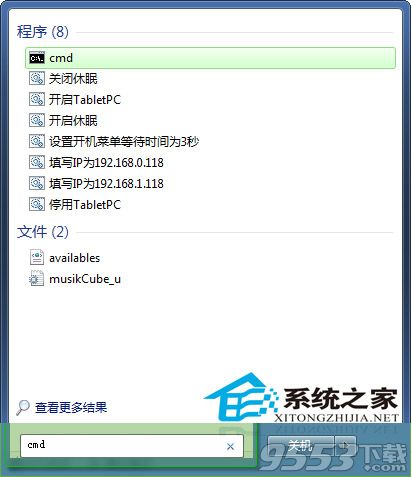
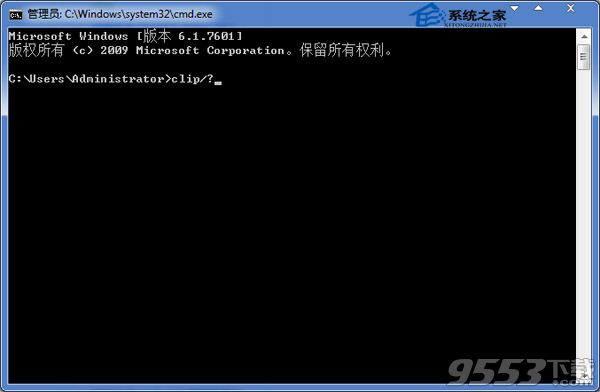
Windows 7 剪貼板查看器 (clipbrd.exe) 預設不在開始功能表中,可透過命令提示字元快速開啟:
clipbrd.exe
CMD
clip /?
建議定期清理剪貼板(或使用優化工具自動清理),避免大量暫存資料佔用系統資源導致變慢。
Win7 啟用與設定語音辨識:從訓練到語音輸入文字完整教學
Win7如何隱藏任務欄程序的最近打開記錄?任務欄屬性取消隱私勾選即可
Win7 C 槽空間暴增?四招安全清理休眠檔、暫存檔、系統還原釋放空間
Windows 7 防毒理念研究:「縱深防禦」才是核心邏輯
微軟承認 Windows 7 USB/DVD 工具含 GPL 代碼,下周將依協議開源
Win7 密碼重設碟原理深度解析:公私鑰加密與 Recovery.dat 隱藏磁區
64 位元 Windows 7 較安全?實測相容性與習慣才是關鍵
不必等 Windows 7 SP1:直接升級的 8 大理由