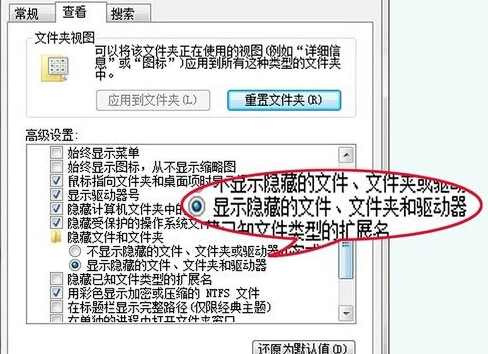
安裝軟體後右鍵選單「傳送到」項目暴增,實際上對應 Shell:SendTo 資料夾內的捷徑。刪除不需要的捷徑即可精簡選單。
Shell:SendTo
shell:sendto
%APPDATA%\Microsoft\Windows\SendTo
進階:若要新增常用資料夾到「傳送到」,直接將該資料夾捷徑拖曳/複製到此資料夾即可。
Win7 工作列顯示星期幾:地區與語言設定自訂日期格式
Win7 產生系統健康報告:使用 perfmon /report 指令
Windows 7 快速開啟「區域連線」查看網路狀態:建立捷徑一鍵直達
Win7 滑鼠右鍵無反應/卡住?命令提示字元重設 Explorer 教學
修改 Win7 資源管理器預設開啟位置:從「程式庫」改為「電腦(我的電腦)」
Winclone 備份與還原 Win7 系統教學(Mac 雙系統必備)
Windows 7 快速關閉無回應程式:建立一鍵強制結束捷徑
Win7 關閉 UAC 使用者帳戶控制:系統配置或直接指令