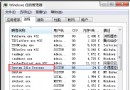
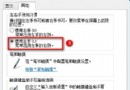
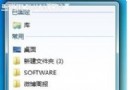
Win7 工作列資源管理器圖示預設開啟「程式庫」,習慣「我的電腦」的用戶可修改:
Windows 7 瀏覽器顯示離線無法開網頁?詳細排查與修復指南
Win7 壓縮檔「拒絕存取」無法解壓?右鍵管理員取得所有權限提升權限解壓
Win7 如何快速開啟/關閉「Windows 行動中心」?Win+X 一鍵呼叫
Win7 使用者帳號權限管理:將標準用戶提升為管理員
為 Windows 7 建立系統修復光碟與裸機還原完整指南
Windows 7 高階使用者指南電子書免費下載:16 章 180 頁涵蓋安裝、安全、網路、疑難排解
Win7 關機時跳「是否安裝並更新」好煩?群組原則關閉「關閉 Windows 對話方塊顯示是否安裝並更新」
Win7 桌面圖示刪不掉?四大終極解法從粉碎到註冊表徹底清除