Windows XP Windows 7 Windows 2003 Windows Vista Windows 綜合教學 Linux 系統教學
Windows 10 Windows 8 Windows 2008 Windows NT Windows Server 電腦軟體教學

Win7/8.1 免費升級 Win10 完整教學:正版授權與 Insider 計畫雙軌

編輯:Windows 7 系統介紹

軌道一:正版 Win7/8.1 直接升級(已結束免費期,但授權仍有效)

  1. 確認系統為**正版授權**(非破解激活)。
  2. Windows Update 應收到「取得 Windows 10」推送,點擊預約/升級。
  3. 或至 Microsoft 官網下載 Media Creation Tool,選「立即升級此電腦」或建立安裝媒體(ISO/USB)。
  4. 升級過程保留個人檔案與應用程式,完成後自動啟用數位授權(綁定硬體)。

軌道二:加入 Windows Insider 計畫體驗預覽版(適用非正版/想搶鮮)

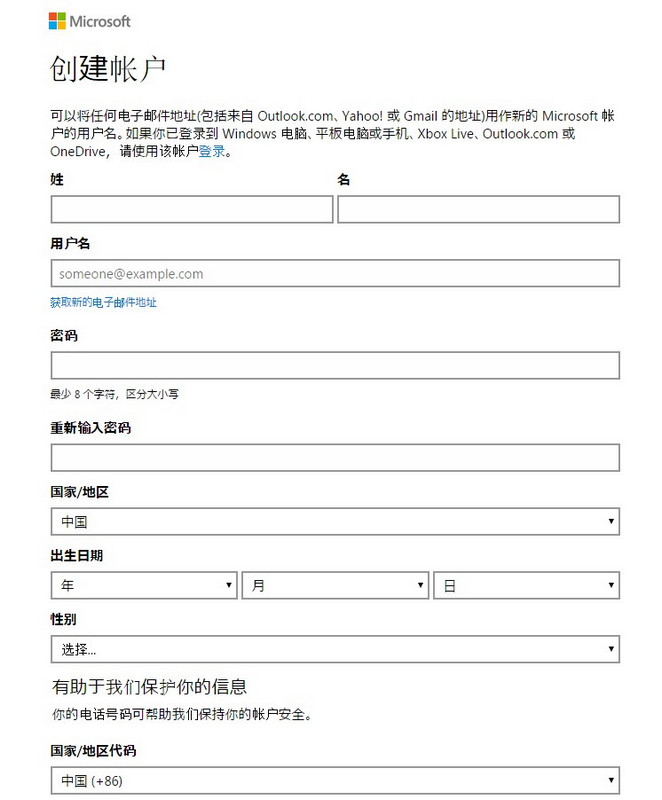
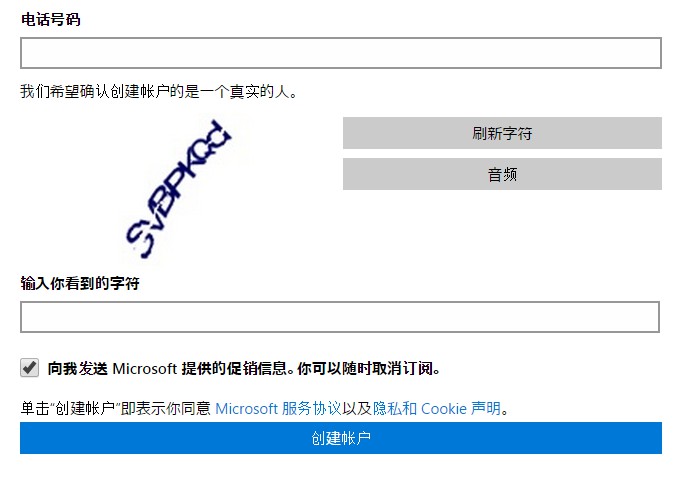
  1. 註冊/登入 Microsoft 帳號。
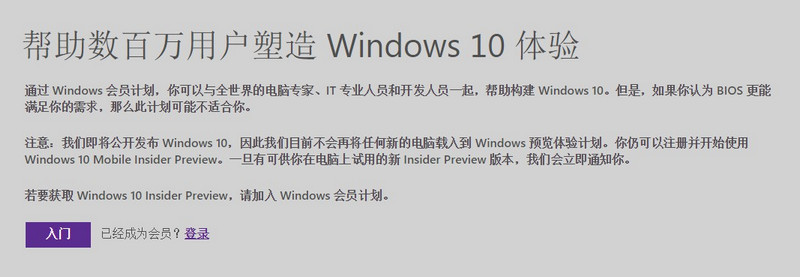
  2. 瀏覽 insider.windows.com → 「開始」加入計畫。
  3. 在 Win7/8.1 登入相同 Microsoft 帳號,開啟「設定 → 更新與安全性 → Windows Insider 計畫」選擇通道(Dev/Beta/Release Preview)。
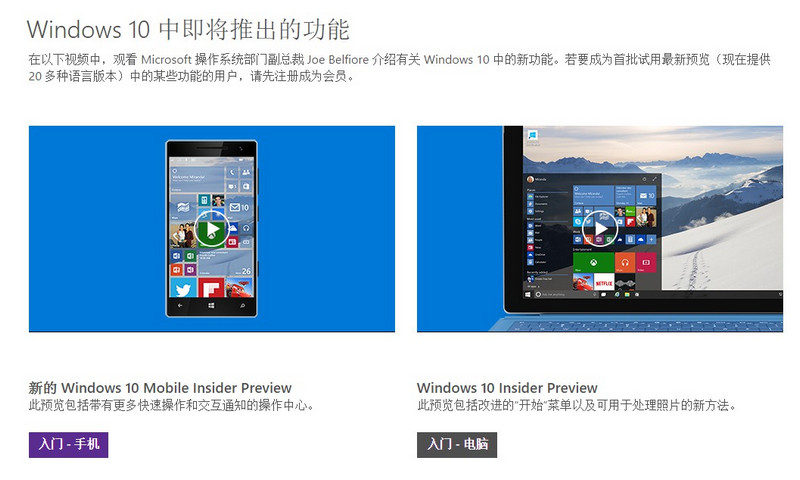
  4. Windows Update 會推送預覽版,安裝後同樣獲得數位授權。
註冊 Microsoft 帳號 加入 Insider 計畫 Insider 登入頁面 安裝 Win10 預覽版

重要提醒

  • **免費升級優惠官方已於 2016/7/29 結束**,但正版 Win7/8.1 授權升級 Win10 後仍可啟用(Microsoft 伺服器仍認授權)。
  • 預覽版較不穩定,包含 Bug,**勿作為主力作業系統**,建議安裝於虛擬機或次要電腦。
  • 升級前**務必完整備份資料**,建議建立系統映像備份。
  • Win7 升級偶發相容性錯誤,若遇到可選「自訂安裝」格式化系統碟全新安裝。
Copyright © Windows教程網 All Rights Reserved