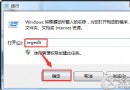
cmd → 右鍵「以系統管理員身分執行」。chkdsk E: /fY 並重開機。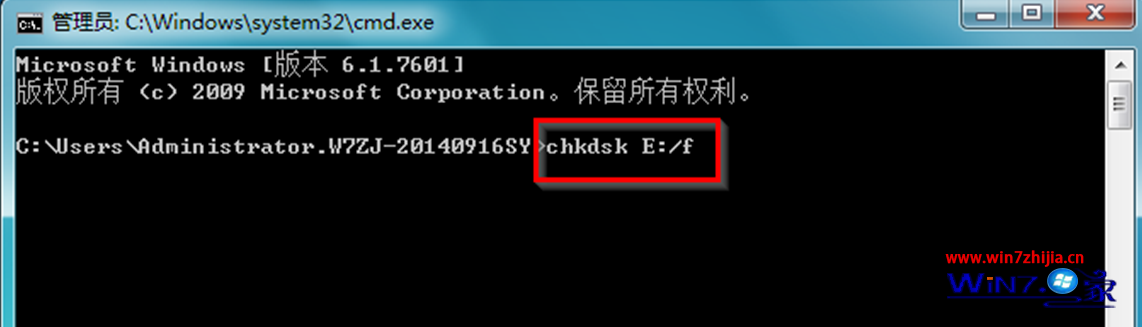
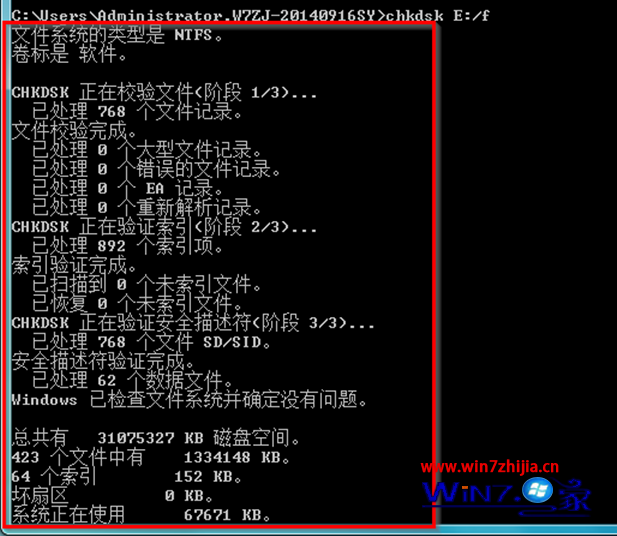
/f:修復檔案系統錯誤(需鎖定磁碟)。/r:掃描壞軌並復原可讀取資訊(含 /f 功能,耗時較久)。/x:強制先卸載磁碟再檢查(含 /f)。/scan:線上掃描(Win8+ 支援,不需離線)。chkdsk /r 前建議備份重要資料,極少數情況修復過程可能導致檔案損毀。/r(壞區塊管理由控制器處理),僅用 /f 修復檔案系統。Win7 壓縮檔「拒絕存取」無法解壓?右鍵管理員取得所有權限提升權限解壓
Win7/Win8.1 更新 KB3045645 後無法安裝語言包怎麼辦?解除安裝更新恢復語言功能
Win7 批次修改檔案屬性 (唯讀/隱藏/系統) :attrib 指令一鍵搞定
Vista 免費升級 Windows 7 延遲交貨,戴爾惠普用戶投訴不斷
Win7 一台電腦同時登 29 個 QQ 實測:登 10 個 → 結束 TXPlatform → 繼續登 → 每 10 個循環一次
Win7 「顯示器驅動程式停止回應」解決:關閉 Aero 玻璃與桌面合成