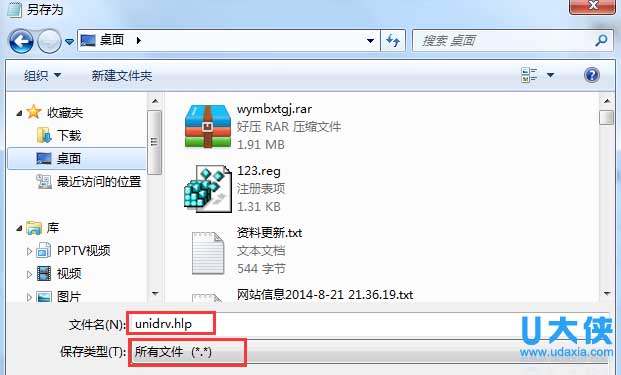
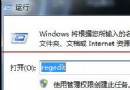
舊版驅動安裝程式尋找 .hlp 說明檔不存在而中斷。解法:建立同名空白 .hlp 檔案供安裝程式讀取即可繼續。
xxx.hlp
此為相容性權宜之計,不影響驅動功能。建議優先尋找支援 Win7 的新版驅動。
Win7 網頁另存為圖片教學:360 安全瀏覽器截圖功能完整網頁儲存
Win7 任務排程器建立鬧鐘/定時播放音樂:喚醒電腦執行程式
Windows 7 安全檔案共享工具釋出:Windows Live ID 登入助理 6.5 Beta
Win7 旗艦版找回右鍵「傳送到藍牙裝置」功能教學
Win 7 旗艦版全新安裝圖文教學:升級顧問檢測、分區選擇、安裝類型關鍵決策
Win7 無法啟動 Wireless PAN DHCP Server 服務錯誤 1067 解決
USB 隨身碟複製大於 4GB 檔案失敗?將 FAT32 轉換為 NTFS 格式
Windows 7 Build 6801 觸控新體驗:Panning 動能滾動讓手指操作更直覺