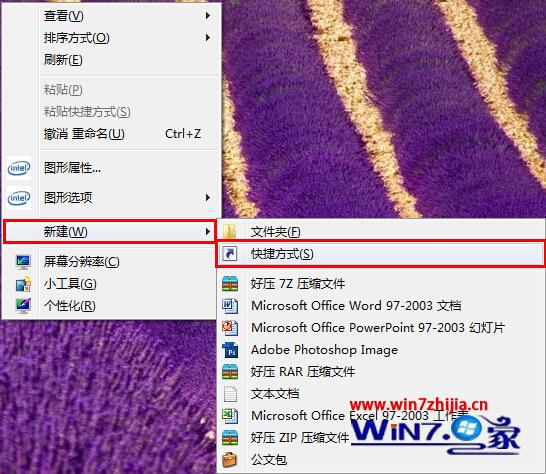
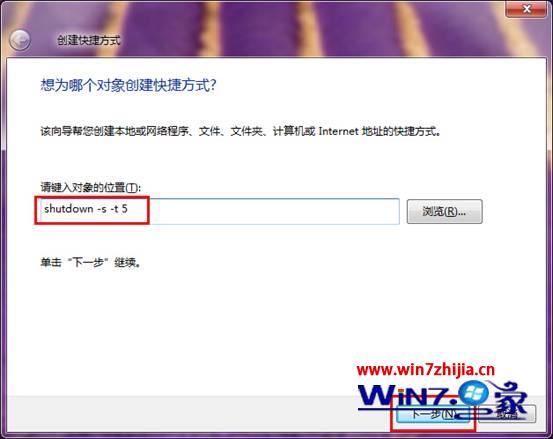
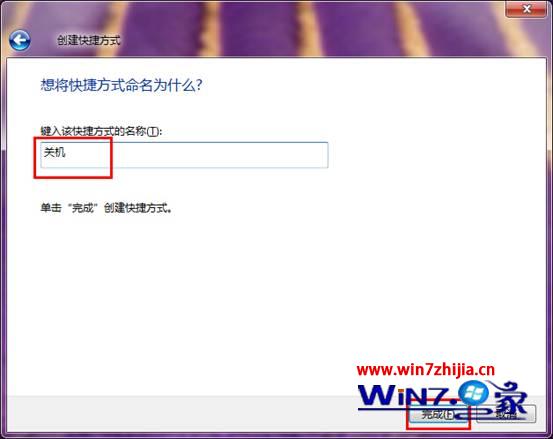
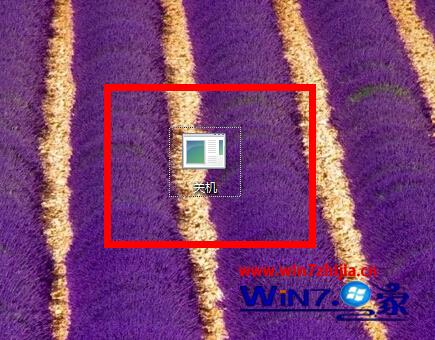
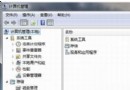
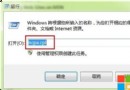
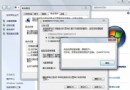
桌面建立關機捷徑,雙擊即可在指定秒數後自動關機,免去開始選單多步操作,適合定時下載/備份後自動關機場景。
shutdown -s -t 5
常用參數:-s 關機、-r 重開機、-t xxx 延遲秒數、-a 取消已排程關機 (執行 shutdown -a)、-f 強制關閉應用程式。
-s
-r
-t xxx
-a
shutdown -a
-f
Win7 麥克風層級與增益靈活調整:語音視訊不再無聲
Win7 工作排程器建立定時關機/提醒教學
Win7 使用顯示色彩校正 (DCCW) 完整流程
Win7 家用群組無法存取?共享資料夾權限設定完整教學
解決 XP 無法存取 Windows 7 共享資料夾:防火牆、Guest 帳戶、權限、防毒軟體四步徹底通
Win7 開啟 AHCI 導致藍屏 0x7B 解決法:註冊表啟用 msahci + 重裝 IDE 控制器
Windows 7 系統減肥實戰:刪除休眠檔、調整虛擬記憶體、壓縮 WinSxS 三步釋放 4GB 空間
三星 900X1B 超輕薄筆電:Windows 7 家用版 + SSD + 杜拉鋁機身,秀外慧中移動典範