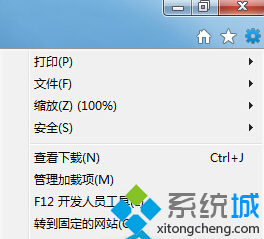
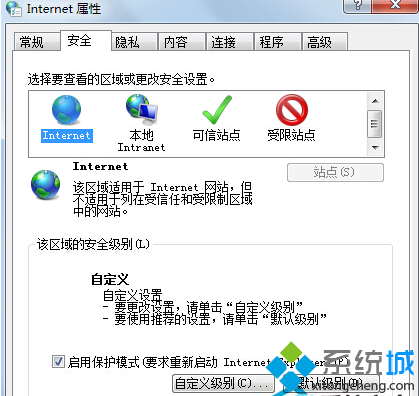
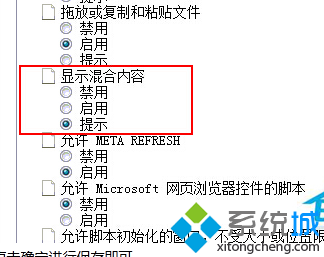
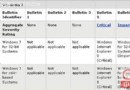
IE 瀏覽器阻擋混合內容導致網頁不完整,調整安全性設定即可:
選「啟用」最徹底解決顯示不全問題。
Win7 禁止網頁背景音樂播放:音量合成器靜音瀏覽器與 IE 進階設定雙重阻擋
刪除 Win7 通知區域殘留無效圖示的註冊表法
Windows 7 系統備份與還原完整教學:建立系統映像、設定排程備份、建立修復光碟
Windows 7 常見故障與解決方案:藍屏、XP 模式、多媒體、啟動記錄全攻略
微軟:Windows 7 反盜版採「黑桌面」 漸進式提醒不鎖機
Win7 無法連線無線路由器?原來是韌體太舊不支援!
Win7 開機提示「部分便利貼的中繼資料已損毀」修復方法
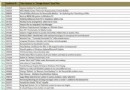
Windows 藍屏錯誤代碼完整對照表與解決方案(上)