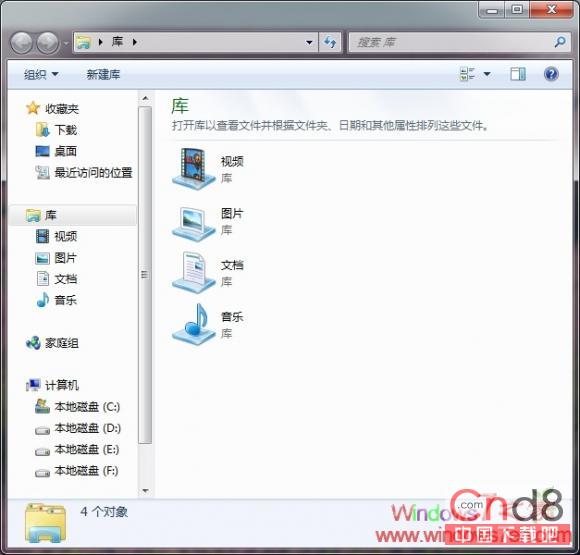
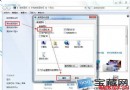
Win7 工作列預設圖示為「程式庫」,許多用戶習慣開啟「我的電腦」。修改法:
%windir%\explorer.exe
%SystemRoot%\explorer.exe /e, ::{20D04FE0-3AEA-1069-A2D8-08002B30309D}
Windows 7 任務列顏色自訂:個人化 → 視窗顏色 → 色彩混合器
Win7 旗艦版連無線網後有線網無法連線?刪除無線網路設定檔/記錄優先有線
Win7 如何建立系統還原點?關鍵時刻救命稻草教學
Windows 7 內建刻錄功能:可直接燒錄 ISO 映像檔
如何更改 Win 7 中 WMP12 預設解碼器?完整圖文教學
Win7 建立 3D 視窗切換捷徑:一鍵啟用 Aero Flip 3D
Windows 7 安裝後優化 12 步驟完整圖文教學 (含語言列、UAC、動作中心、啟動修復、驅動、工作列、選單列、資源檢視、IE、軟體管家)
Win7 系統自帶備份還原完整教學:輕鬆守護系統安全