非官方啟用方法,流程較繁瑣:
Software ProtectionC:\Windows\ServiceProfiles\NetworkService\AppData\Roaming\Microsoft\SoftwareProtectionPlatform\token.dat 檔案擁有權,替換為破解版C:\Windows\System32\spp\tokens\pkeyconfig\pkeyconfig.xrm-ms 擁有權並替換Software Protection 服務改為「手動」並啟動slmgr -ipk <RC Key>(如 D9RHV-JG8XC-C77H2-3YF6D-RYRJ9)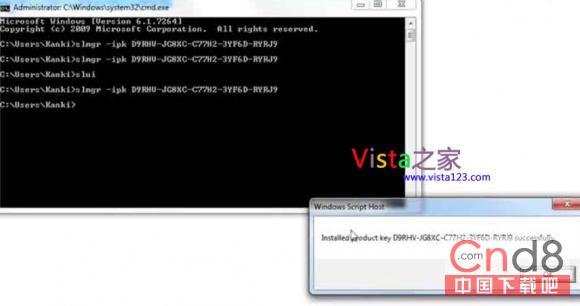
注意:此為非授權啟用方式,僅供技術研究,請購買正版授權合法使用。