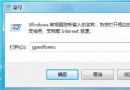
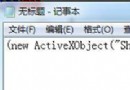
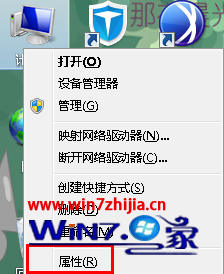
Windows 7 語言包安裝方法:
.cab
lp.cab
安裝完成後可在「鍵盤和語言」分頁切換顯示語言。語言包格式必須為 .cab,EXE 格式需先解壓。
Windows 7 如何配置藍牙模組 GAIA 功能?xIDE 開發環境設定教學
Win7 IE10 設定「在相容性檢視中顯示所有網站」
Win7 家長控制無法開啟?手把手教你建立兒童帳號與上網時段管制
Win7 旗艦版安裝 VC++ 6.0 兼容性問題完整解決圖解
Win7 耳機沒聲音?設定預設播放裝置與通訊裝置雙重確認
Windows 8 開啟 GeoLocation 地理定位功能教學
Windows 7 內建疑難排解與遠端協助:自己動手修系統、找高手遠端救援雙管齊下
Win7 修改臨時檔案資料夾路徑 (TEMP/TMP) 轉移至非系統盤:減輕 C 擔負、提升穩定速度