Win7 安裝 .NET Framework 4.0 時若出現錯誤(如 0x80070643),主因通常是 Windows Update 暫存資料夾損壞。重命名 SoftwareDistribution 資料夾強制重建更新元件,即可解決安裝失敗問題。
cmd → Ctrl + Shift + Enter。net stop wuauserv 停止 Windows Update 服務。ren %windir%\SoftwareDistribution SDold 重命名暫存資料夾(備份原資料夾)。net start wuauserv 重新啟動 Windows Update 服務(系統將自動重建乾淨的 SoftwareDistribution 資料夾)。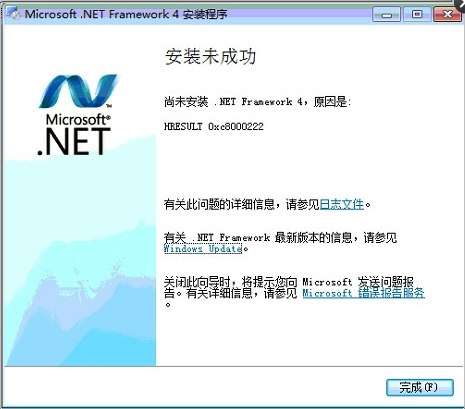
此法同樣適用於其他因 Windows Update 元件異常導致的更新安裝失敗、錯誤代碼 8007000E、8024402F 等問題。若問題持續,建議執行系統檔案檢查器(sfc /scannow)修復系統檔案。