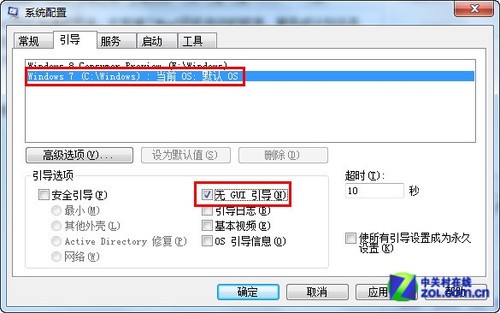
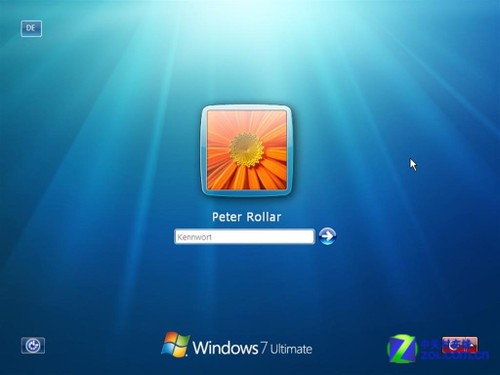
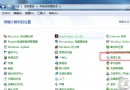
與上篇內容相同,透過 `msconfig` 勾選「無 GUI 開機」即可跳過開機動畫,直接進入系統。步驟如下:
同樣提醒:修改開機動畫的第三方工具風險較高,建議使用內建功能。
Win7 提示「指定的網路名稱不再可用」?啟用核心服務解決
安裝 Windows 7 後必做 10 件事:效能、安全、續航全面優化
盜版 Windows 7 暗藏木馬軍團,360 揭露下載站掛馬與捆綁風險
Win7 任務列縮圖預覽太小?修改登錄檔 MinThumbSizePx 調整預覽大小與清晰度
Win7 筆電怎麼開啟內建攝影機?QQ 視訊、專用軟體、捷徑置入「電腦」三法全攻略
Windows 7 字型安裝捷徑模式:節省磁碟空間的進階技巧
Windows 7 使用 shutdown 指令排程定時關機:命令提示字元一行搞定
Windows 7 升級漏洞:用戶免費領取價值 2460 元旗艦版