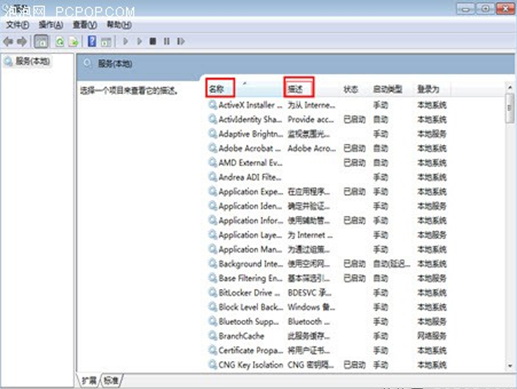
services.msc
Windows Search
Superfetch
Windows Defender
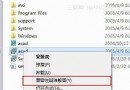
升級安裝 Win7 會保留舊系統備份於 C:\Windows.old,佔用數 GB~數十 GB。刪除步驟:
C:\Windows.old
停用無用服務減少背景資源佔用,清理 Windows.old 釋放大量磁碟空間,雙管齊下讓 Win7 長期保持流暢。
Win7安裝程序提示"安裝程序已在運行"解決:任務管理器結束殘留進程與注銷重啟
Win7 手動移除印表機驅動程式完整教學:列印伺服器屬性、停用 Print Spooler 與清理 Spool 資料夾
網友實話:Win 7 其實一點也不好 改變操作習慣、相容性差、細節郁悶
Win7自動關機/休眠任務排程器圖文教學:基本向導建立定時關機與批次檔實現定時休眠
Windows 7 系統中 TXT 檔案如何加密?
Windows 7 開機動畫變成 Vista 風格綠色捲軸?修正地區設定 (locale) 即可恢復
Windows 7 畫圖工具大進化:搭配宏碁 S3 蜂鳥超極本,隨時隨地享受數位藝術創作
Win7 被惡意軟體入侵後會出現什麼情況?