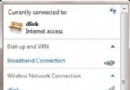
Windows 7預設啟用多種IPv6過渡技術(Teredo、6to4、ISATAP),筆電頻繁切換網路環境時,會自動建立大量隧道介面,導致ipconfig /all輸出冗長、難以閱讀IPv4資訊。若不需IPv6連線,可透過三條netsh指令一次停用所有隧道介面。
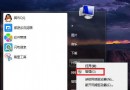
以系統管理員身分執行命令提示字元,依序輸入:
netsh interface teredo set state disable
netsh interface 6to4 set state disabled
netsh interface isatap set state disabled
執行完成後,ipconfig /all將不再顯示大量隧道介面,網路介面清單一目瞭然。
netsh interface teredo set state default
netsh interface 6to4 set state default
netsh interface isatap set state default
善用netsh管理IPv6過渡技術,能簡化網路疑難排解,提升介面可讀性。