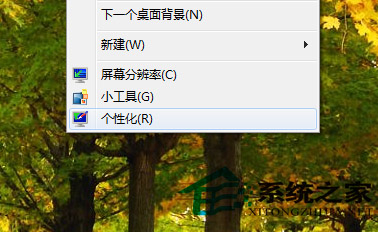
Windows 7 允許使用者自訂視窗邊框、標題列、工作列顏色,而不受主題限制:
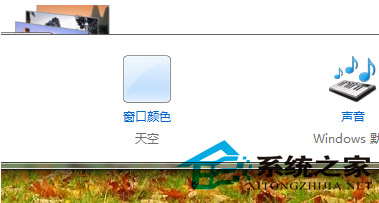

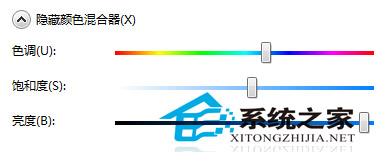
之後更換主題時,視窗顏色將保持自訂設定,打造專屬視覺風格。
Win7 安裝 IE10 提示「安裝前需要更新」?必裝 5 個先決條件補丁 (KB2729094/KB2731771/KB2533623/KB2670838/KB2786081) 統合包解決
用 Rainmeter 美化 Win7 桌面:超越 Mac 的資訊型桌面客製化
Windows 7 遊戲相容性參考列表:完美運行與有 Bug 可玩標註
Win7 任務列顯示多時區時鐘:新增附加時鐘輕鬆掌握國際時間
善用 UAC 提升 Windows 7 安全性:四級控制與工作流程機制
Windows 7 提示「系統資源不足」六大成因與對應解決方案