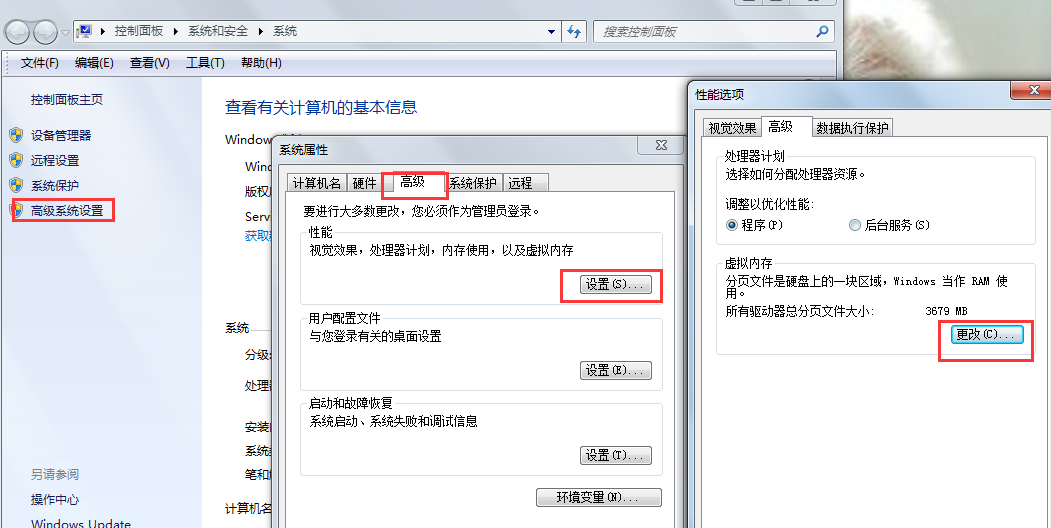
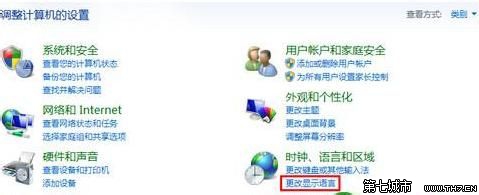
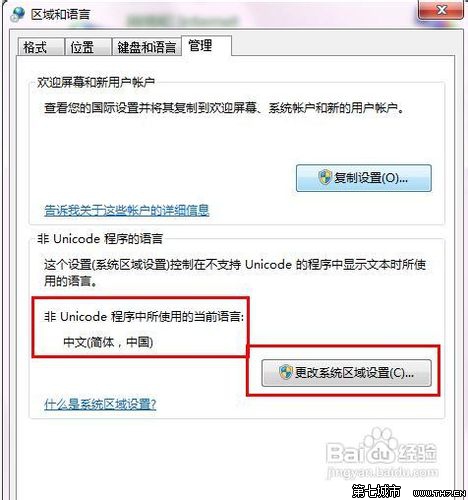
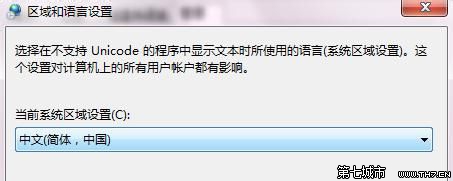
Win7 系統若出現中文亂碼,通常是非 Unicode 程式的語言設定錯誤。透過控制台修改系統區域設定為「中文(簡體)」即可恢復正常顯示。
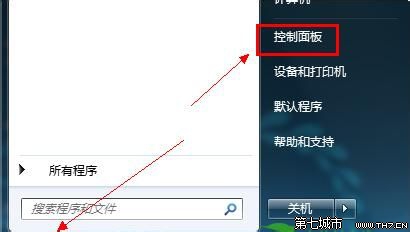
Win7 檔案關聯與「開啟方式」完全指南:找回消失的資料夾選項
Windows 7 Aero 特效核心三大功能:Aero Shake、Aero Snap、Aero Peek 詳細解析
Win7 資源監視器秒刪頑固檔案:模擬 cmd 佔用 test 資料夾、CPU 頁籤搜尋關聯控制代碼、結束進程、附 perfmon.exe /res 快速啟動捷徑
Win7 進入安全模式三大法:開機 F8、開機 Ctrl、msconfig 設定安全開機
微軟指定 Windows 7 相容殺毒軟體廠商名單:10 大品牌保障系統安全
Win7 查看系統詳細資訊三法:slmgr.vbs、dxdiag、systeminfo 指令對比