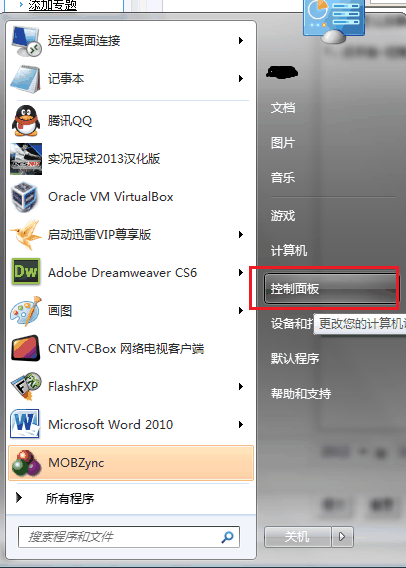
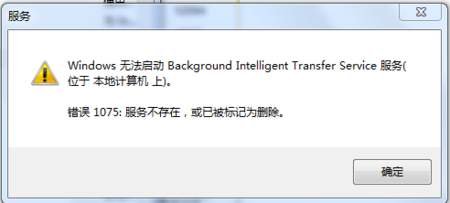
Win7/Win8 基於 NT 6 核心,權限機制嚴格,常遇到無法存取、刪除資料夾或檔案的情況。透過匯入登錄檔,可在右鍵選單加入「取得管理員所有權」指令,一鍵遞歸取得檔案/資料夾完全控制權。
Windows Registry Editor Version 5.00

[HKEY_CLASSES_ROOT\*\shell\runas]
@="取得管理員所有權"
"NoWorkingDirectory"=""

[HKEY_CLASSES_ROOT\*\shell\runas\command]
@="cmd.exe /c takeown /f \"%1\" && icacls \"%1\" /grant administrators:F"
"IsolatedCommand"="cmd.exe /c takeown /f \"%1\" && icacls \"%1\" /grant administrators:F"

[HKEY_CLASSES_ROOT\exefile\shell\runas2]
@="取得管理員所有權"
"NoWorkingDirectory"=""

[HKEY_CLASSES_ROOT\exefile\shell\runas2\command]
@="cmd.exe /c takeown /f \"%1\" && icacls \"%1\" /grant administrators:F"
"IsolatedCommand"="cmd.exe /c takeown /f \"%1\" && icacls \"%1\" /grant administrators:F"

[HKEY_CLASSES_ROOT\Directory\shell\runas]
@="取得管理員所有權"
"NoWorkingDirectory"=""

[HKEY_CLASSES_ROOT\Directory\shell\runas\command]
@="cmd.exe /c takeown /f \"%1\" /r /d y && icacls \"%1\" /grant administrators:F /t"
"IsolatedCommand"="cmd.exe /c takeown /f \"%1\" /r /d y && icacls \"%1\" /grant administrators:F /t"
取得管理員權限.reg(或 .bat 經由合併方式),雙擊執行並確認匯入登錄。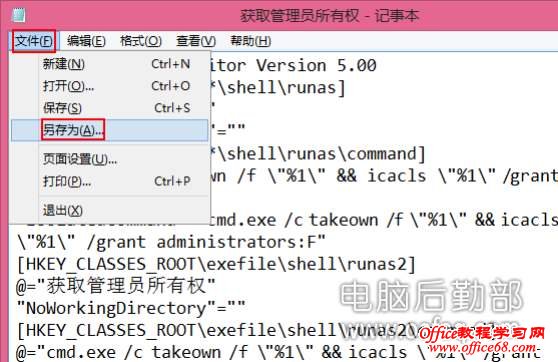
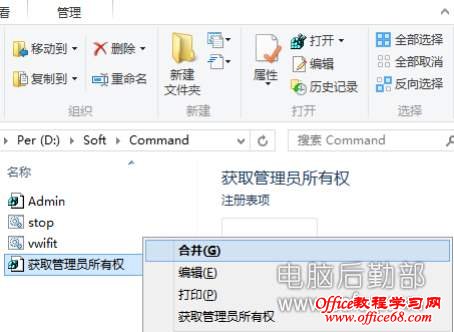

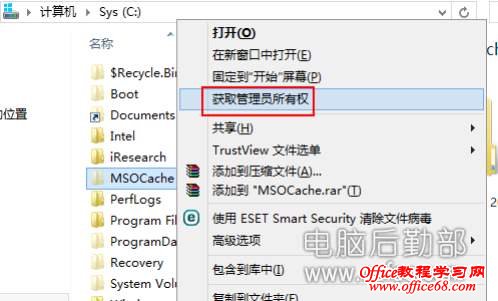
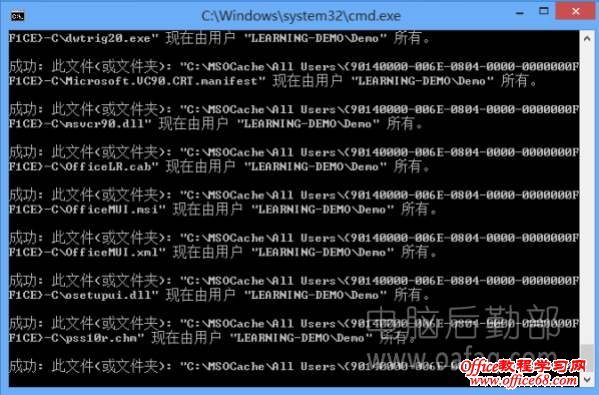
附百度網盤下載連結:現成 .reg 檔(提取碼:9td4)。