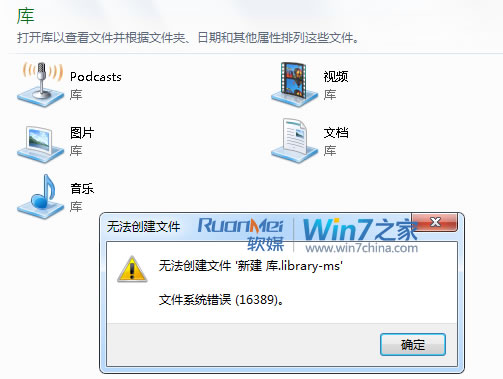
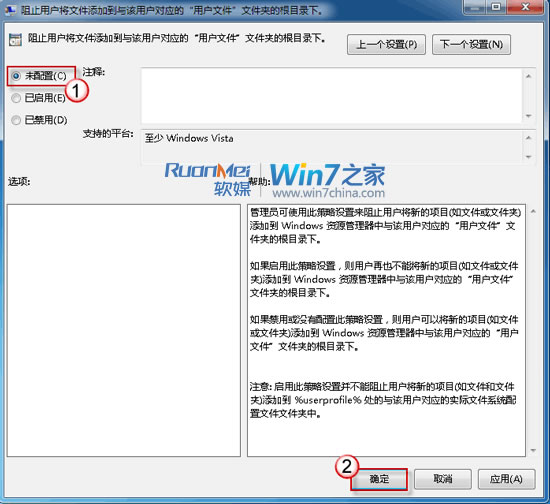
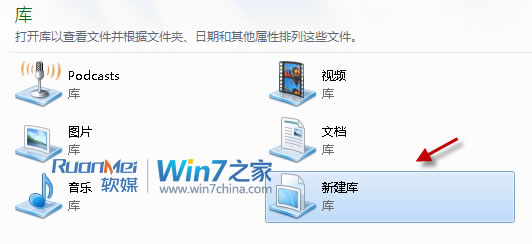
右鍵「程式庫」→「新建」→「程式庫」跳出「錯誤 16389,無法建立檔案」?是群組原則限制了使用者在程式庫根目錄建立項目:
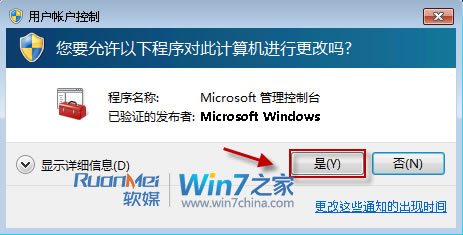
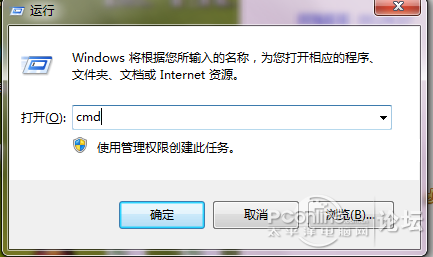
gpedit.msc
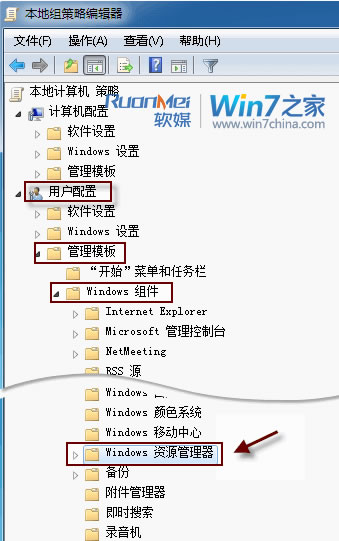
使用者設定 → 系統管理範本 → Windows 元件 → Windows 檔案總管
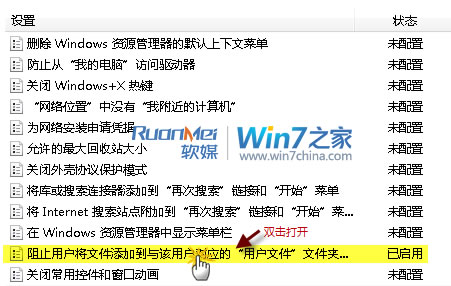
重開機後即可正常新建程式庫。此原則預設可能因企業環境、安全性工具、優化軟體誤設為「已啟用」。
Win7 家用版啟用 Administrator 內建管理員帳號完整圖文教學
Win 7 行動中心:筆電專屬控制台,Win+X 一鍵喚出
Win7查看主機板型號四大方法:目視、開機自檢、第三方工具、DxDiag完整教學
Windows 7 安裝方法大全:光碟、虛擬光碟、硬碟、USB、軟體引導、VHD 六大法優缺點完整比較
Win7 系統 msvcp100.dll 存放位置與遺失修復方法
Windows 7 易速傳:圖形化嚮導跨版本遷移檔案、帳號、收藏夾、郵件設定
Windows 8 Release Preview 大量應用程式截圖賞析
Windows 7 中國特惠引發陰謀論:微軟低價自救而非施恩?