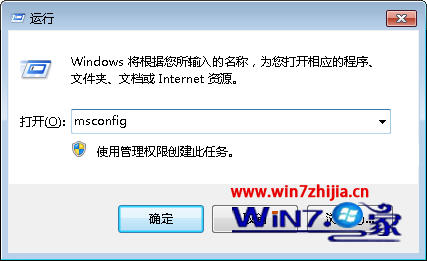
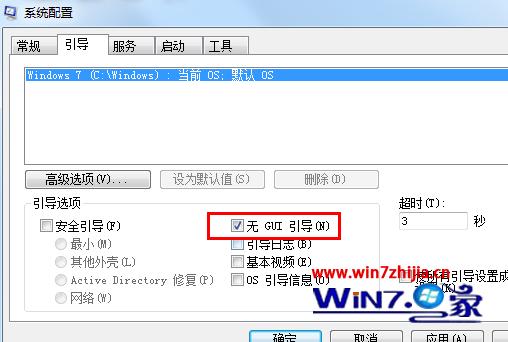
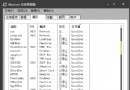
msconfig
開機時不再顯示 Windows 動畫 Logo,直接進入登入畫面,可略微縮短啟動時間,適合追求極致速度的用戶。
Windows 7 變更系統預設字體:控制台字體設定與一鍵還原預設值
Win7 如何設定任務列透明?啟用 Aero 主題即刻生效
Windows 7 滑鼠右鍵選單整合「複製到/移動到資料夾」實作教學
Windows 7 群組原則 7 大實用設定技巧:IE 效能、媒體播放、強制登出、封鎖暫存檔木馬、防火牆阻擋 ICMP、關閉搜尋記錄、關機強制關閉程式
Win7 刪除桌面「我的 Bluetooth 位置」圖示教學
Win7 設定寬帶自動撥號:取消提示認證、建立捷徑放入啟動資料夾,開機即連網
Win 7 隱藏神鍵:Win 鍵高效快捷鍵全攻略
Windows 7 媒體中心看網路影片完整設定:區域語言、自動下載、編碼器全攻略