桌面突然出現「我的 Bluetooth 藍牙位置」圖示,雖不影響操作,但礙眼且無法直接右鍵刪除。以下提供透過登錄編輯器移除的方法。
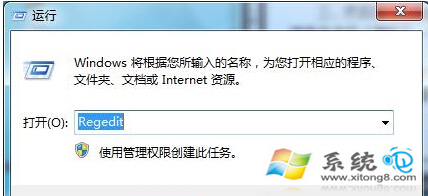
1. 按 Win+R 開啟「執行」視窗,輸入 regedit 並按 Enter。
2. 在登錄編輯器中依序展開:HKEY_LOCAL_MACHINE \ SOFTWARE \ Microsoft \ Windows \ CurrentVersion \ Explorer \ Desktop \ NameSpace
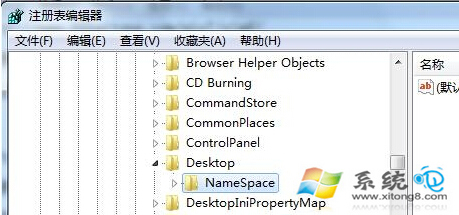
3. 在 NameSpace 下找到 {6af09ec9-b429-11d4-a1fb-0090960218cb} 鍵,右鍵選擇「刪除」。回到桌面按 F5 重新整理,圖示即會消失。
若覺得該圖示影響美觀,可依此法移除。