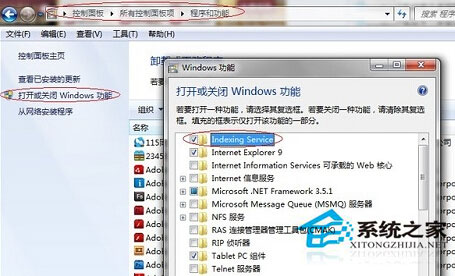
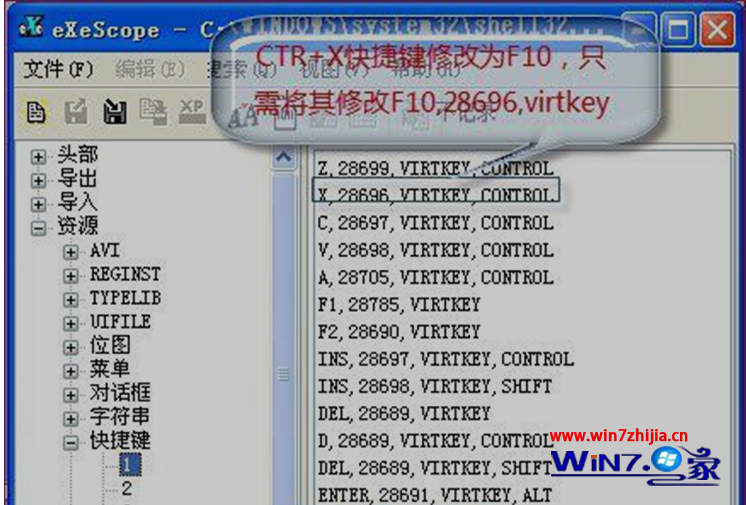
Win7 搜尋功能消失通常有兩種原因:
登出切換至管理員帳戶登入即可恢復。
Win7 登錄編輯器無法開啟?群組原則解除限制恢復使用
Win7 工作列顯示星期幾:地區與語言設定自訂日期格式
Win7 跳出「COM Surrogate 停止運作」?啟用 DEP 例外排除 dllhost.exe 修復
善用 Win7 AppLocker 限制病毒執行:不刪除也能困住頑固木馬
Win7/Win8 網路連線有黃色驚嘆號?停用再啟用網卡 30 秒搞定
Win7 桌面加入炫酷時鐘小工具:自訂樣式與秒針顯示
Windows 7 檔案關聯與「開啟方式」設定位置:控制台「預設程式」取代 XP 時代的資料夾選項
Windows 7 新系統上市:選用還是觀望?