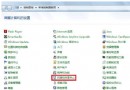
現象
Win7 預設資源管理器不顯示選單列(檔案/編輯/檢視...),按 Alt 鍵可暫時顯示。若誤設為「始終顯示」,可透過以下步驟恢復預設隱藏。
方法一:資料夾選項
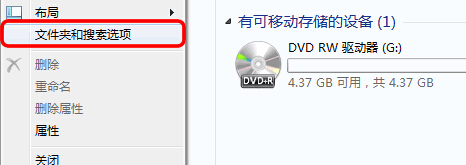
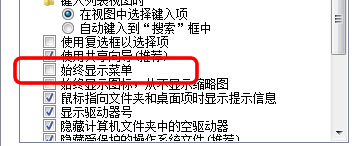
- 開啟「電腦」→「工具列」→「資料夾選項」→「檢視」頁籤。
- 取消勾選「始終顯示選單列」,確定。
方法二:群組原則(適用企業版/旗艦版)
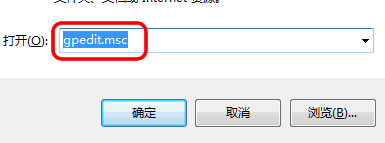
- Win+R 輸入
gpedit.msc。
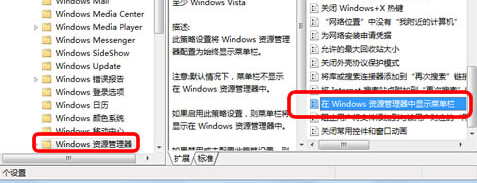
- 使用者設定 → 管理範本 → Windows 元件 → Windows 檔案總管。
- 雙擊「在 Windows 檔案總管中顯示選單列」→ 選「已停用」→ 確定。
重新開啟資源管理器即恢復預設按 Alt 顯示選單列行為。