未安裝 Office 時,寫字板是輕量級編輯利器。另存為 TXT 純文字格式步驟:
- 寫字板左上角「檔案」標籤 →「另存為」旁三角箭頭。
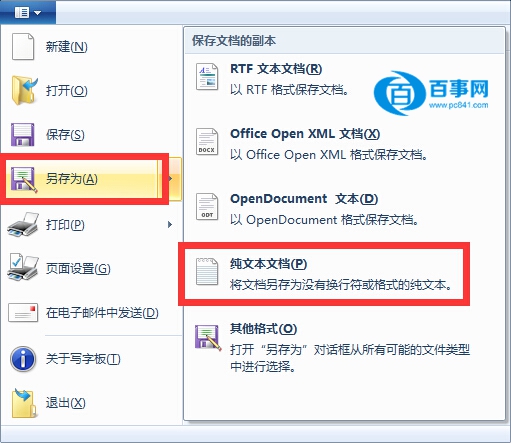
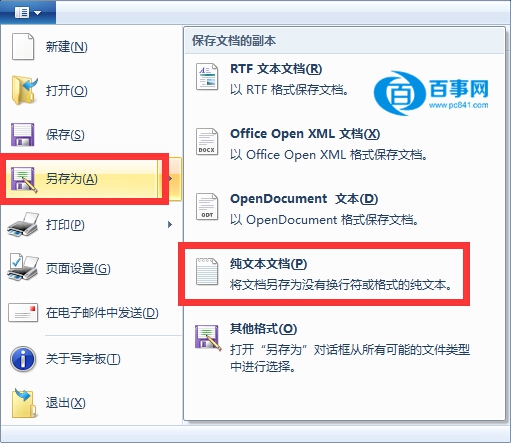
- 選擇「純文字文件」 → 確定儲存。
補充說明
- 純文字格式**不保留字型/顏色/排版/圖片**等豐富格式,僅保留字元內容。
- 需保留格式請選「Rich Text Format (.rtf)」或「OpenDocument 文字 (.odt)」。
- 編碼預設 ANSI (中文系統為 GB18030/Big5 視地區),如需 UTF-8 請用 Notepad++/VS Code 另存。