區域網維護、Ping 測試常需查本機 IP。提供兩種查內網 IPv4 法,外網 IP 直接百度搜尋「IP」即可。

方法一:指令法 (最快)
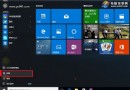
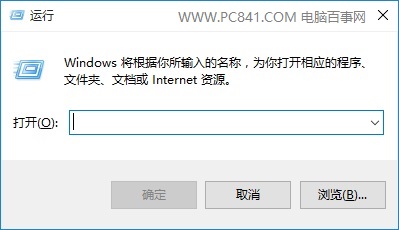
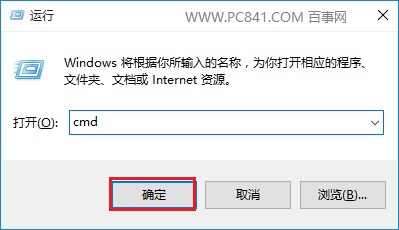
- Win+R →
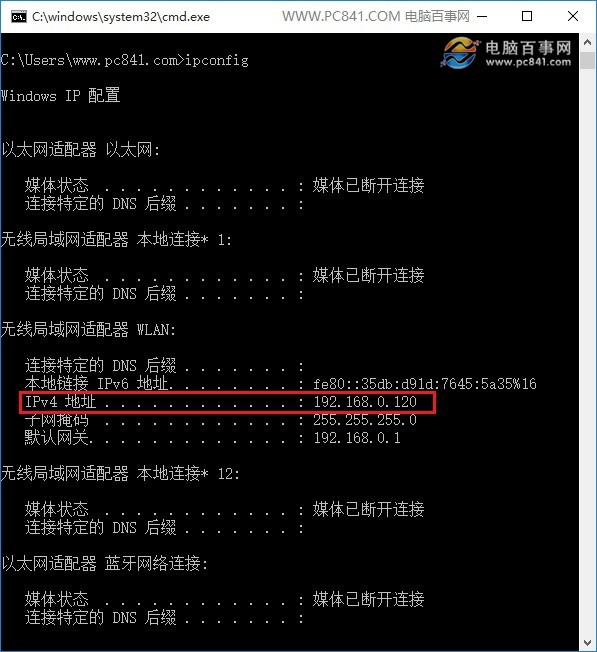
cmd → ipconfig
- 找「IPv4 位址」 (如 192.168.1.101)
方法二:介面法
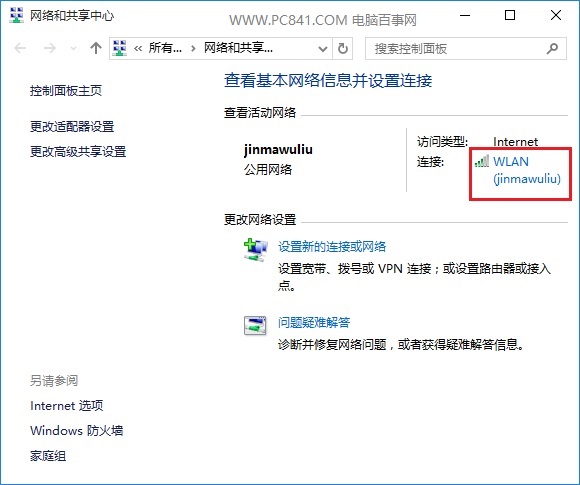
- 網路圖示右鍵 → 開啟網路與共用中心
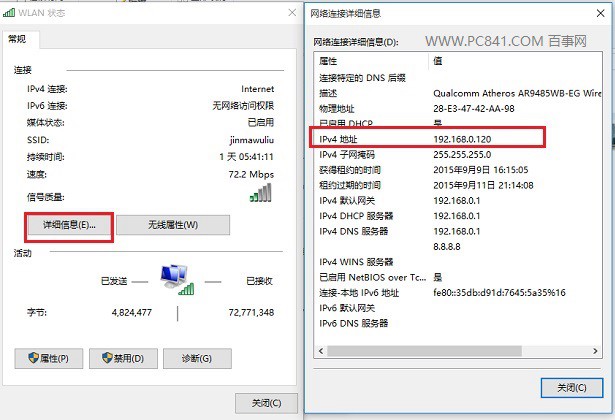
- 點擊連線介面卡 → 「詳細資料」
- 找「IPv4 位址」
外網 IP 查詢
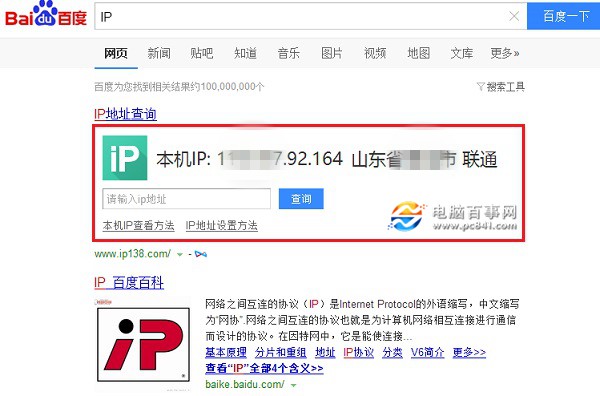
瀏覽器搜尋「IP」或「我的 IP」,百度/Google 頂部直接顯示公網 IP。
補充
- 內網 IP = 區域網路分配位址 (192.168.x.x / 10.x.x.x / 172.16-31.x.x)
- 外網 IP = ISP 分配公網位址
- 路由器後裝置共用同一外網 IP