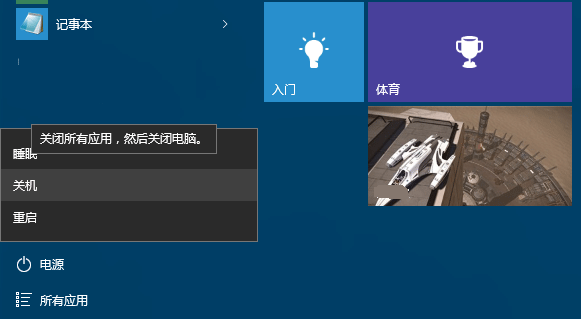
Windows 8 起引入「快速啟動」(混合關機),結合休眠與關機機制縮短開機時間。但開始選單僅顯示「關機」,無法分辨實際模式。透過 PowerShell 可查詢上一次開機類型代碼,精確掌握關機方式。
PowerShell,按 Enter 開啟。Get-WinEvent -ProviderName Microsoft-Windows-Kernel-boot -MaxEvents 10 | Where-Object {$_.id -like "27"};英文版 Windows 10 請改用:Get-WinEvent -ProviderName Microsoft-Windows-Kernel-boot -MaxEvents 10 | Where-Object {$_.message -like "The boot type*"};
0x0 - 完全關機0x1 - 混合關機(快速啟動)0x2 - 休眠執行結果會顯示最近 10 次開機事件的 ID 為 27 的記錄,對照上表即可得知每次採用的關機模式。