Build 14328 開始選單「所有應用」空白 Bug 持續未修,官方建議 PowerShell 重註冊 AppX 卻常失效,實測需再重啟總管:
Get-AppxPackage -AllUsers | Foreach {Add-AppxPackage -DisableDevelopmentMode -Register "$($_.InstallLocation)\AppXManifest.xml"}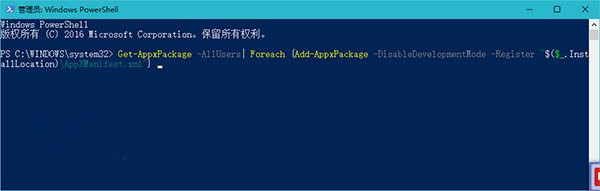
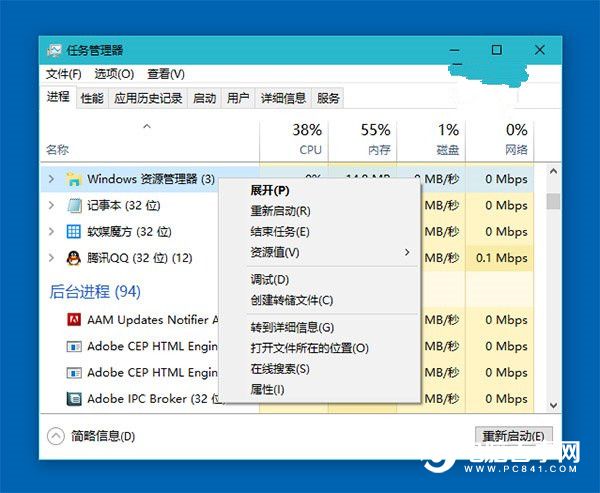
期待正式版徹底修復此 Bug,在此之前請記住「PowerShell 重註冊 + 重啟總管」雙招組合。
如何在 Win10 中啟用「經典事件檢視器」?注冊 DLL 並加入 MMC 完整教學
Win10 怎麼禁用 Cortana 小娜助手?設定 → 隱私權 → 語音/輸入/手寫 → 停止監測行為
Win8.1 升級 Win10 出現 0x80070002 錯誤解決方案:移除非開機磁碟或停用非 Microsoft 服務
Win10/8.1/7 輸入法無法切換?重啟 TextServicesFramework 任務即時生效
Win10 新手入門:全新開始選單完整操作指南 (含動圖演示)
Windows 10 右側邊欄 (Charms Bar) 不見了?Win+C 快捷鍵喚出