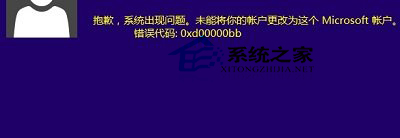
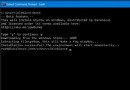
登入 Microsoft 帳號出現 0xd00000bb,通常為網路連線微軟伺服器失敗:
0xd00000bb
8.8.8.8
4.4.4.4
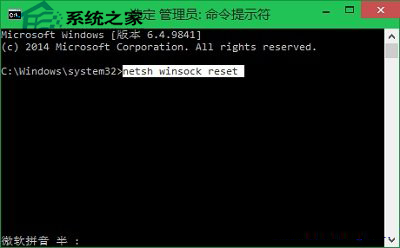
netsh winsock reset
依序嘗試,多數情況可恢復帳號同步與商店存取功能。
Windows 10 還原 Win8.1 風格網路選擇面板 (滑出式 Charms 網路列表) 註冊表修改教學
Win 10 內建剪貼板在哪?用 clip 指令快速檢視與清理
Windows 10 設定純色桌面背景:極簡風格一鍵套用
Win10 內建桌布預設儲存位置與個人桌布資料夾完整路徑
驅動人生推出 Windows 10 在線檢測升級功能:一鍵評估硬體相容、預載驅動
Win10 應用商店無法安裝應用?wsreset 清除快取一鍵修復
Win 10 修改預設應用程式安裝路徑三大法:設定介面、登錄表、右鍵「複製路徑」技巧
Win10 本地連線圖示不見了?「變更介面卡設定」裡找回來啟用即可