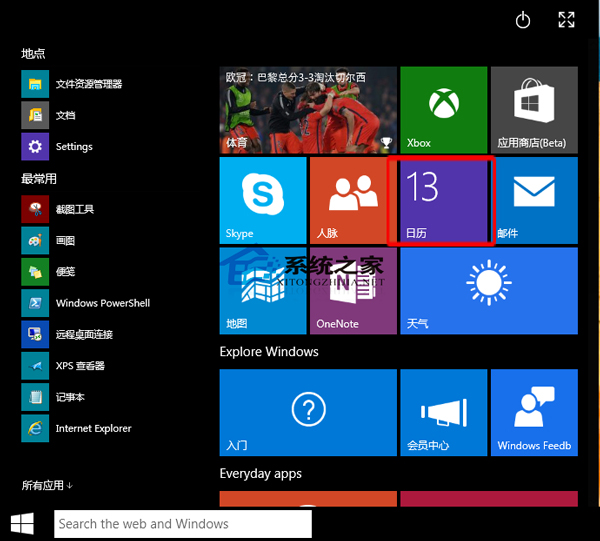
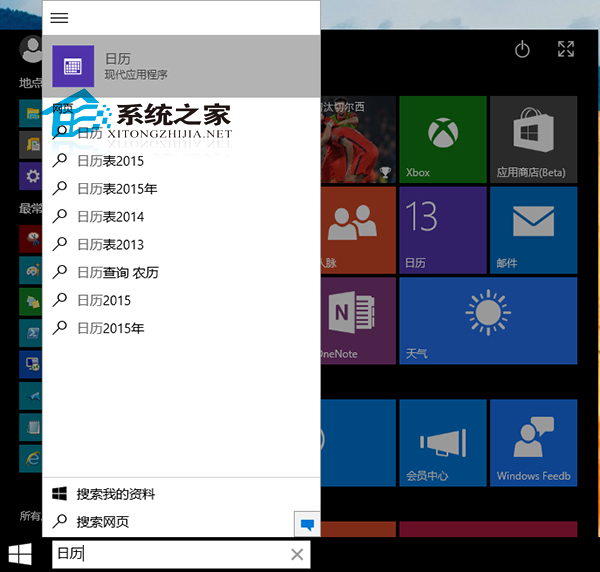
Windows 10 內建 Modern「行事曆」應用,整合 Outlook.com、Google、iCloud、Exchange 帳戶,支援與 Windows Phone 手機行事曆雙向同步,介面清爽、觸控優化。
個人化:右鍵應用內部 → 「背景」→ 「瀏覽」選擇自訂圖片,打造專屬行事曆風格。若不需要訂閱行事曆 (如節假日、體育賽程),可在設定中取消訂閱。
Windows 10 相容性疑難排解:讓舊程式在新系統順利運行
Win7/Win8.1 升級 Win10 後開機變慢?關閉快速啟動反而加速開機教學
Win8.1 升級 Win10 卡在 modern setup host 停止運作?四大排除方向
Win10裝機增速明顯放緩:首周漲177%→次周僅增30%
電腦管家 Win10 檢測顯示記憶體小於 2GB 解決:檢查 BIOS 啟用 CPU PAE/NX/SSE2 或更換硬體
Win10 瀏覽器相容性設定在哪?Edge 如何開啟相容模式?
Win10 自訂開始選單磚塊背景與圖示:軟媒魔方 + XML 清單檔實作
升級 Windows 10 正式版出現錯誤 0x80070002 解決方案