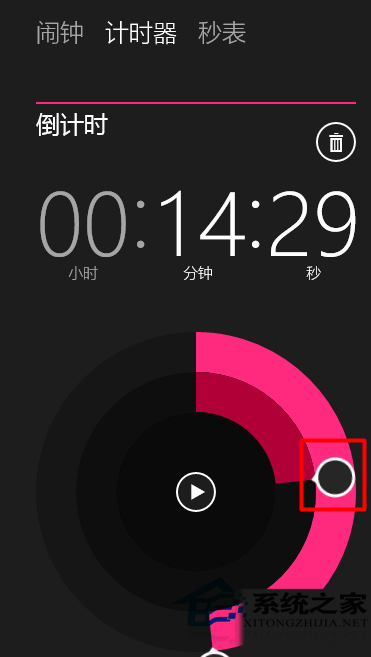
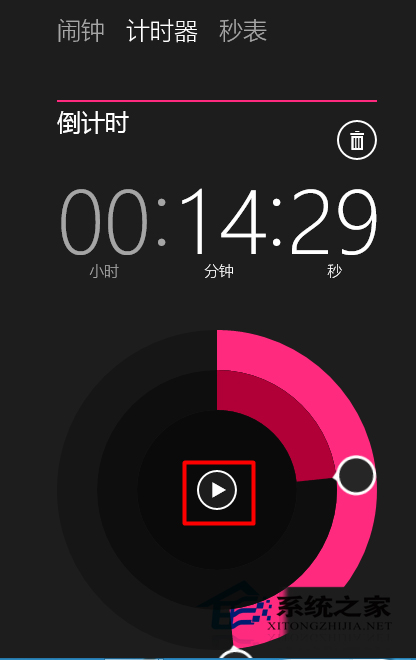
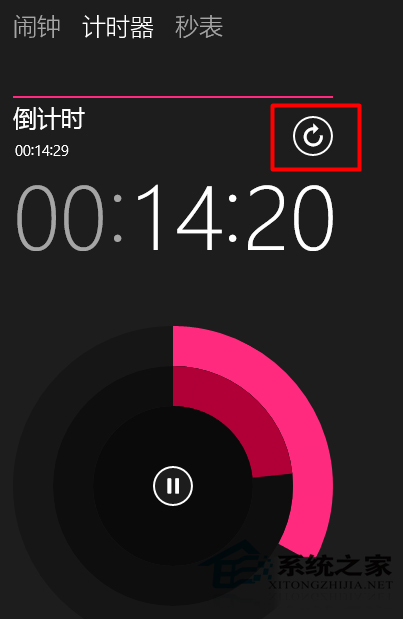
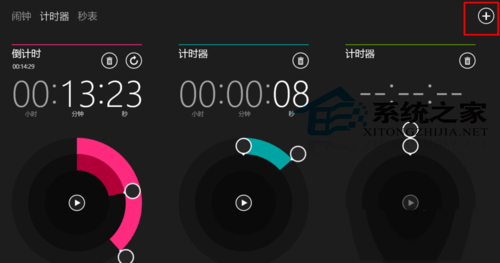
Windows 10 「鬧鐘與時鐘」應用整合鬧鐘、碼錶、倒數計時器、世界時間四大功能。倒數計時器支援多組同時運行、時/分/秒精確設定、重複模式,適合番茄工作法、烹飪計時、運動間歇訓練。
背景執行:應用最小化或鎖定螢幕時計時器持續運行,時間到會彈出通知並播放鈴聲 (可在設定中自訂鈴聲)。碼錶功能同樣支援圈速記錄、匯出 CSV。
Win10 關閉沾滯鍵:設定→輕鬆存取→鍵盤→沾滯鍵關閉,或雙鍵同時按下快速關閉
Win10 找回 Windows 體驗指數評分:透過 shell:Games 與 winsat formal 指令重跑分數
Windows 10 徹底清空資源回收筒釋放磁碟空間的方法
曝光:疑似Win10旗艦Lumia 950拍照樣張:2000萬像素、改進光學防抖
Win10 網路清單改回 Win8.1 風格(側邊欄彈出)修改登錄表 ReplaceVan 值
Win 10 讓資源回收筒自動定時清空:開機清理與工作排程器定時清理完整教學
Win10 新增/移除輸入法完整圖解教學
Win10「此電腦」多出「庫」文件夾?一招隱藏教程