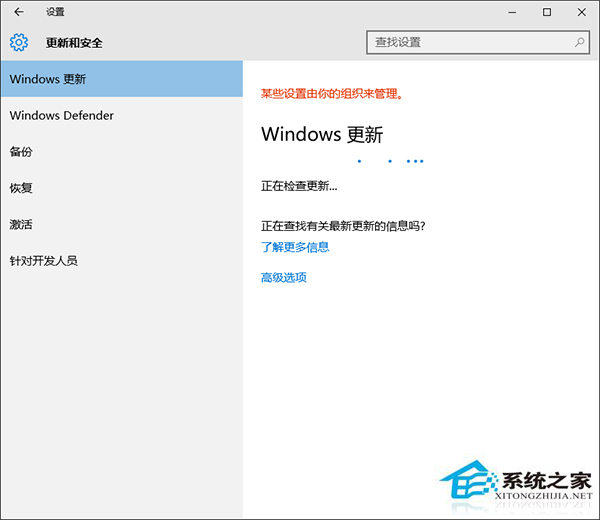
Win10 後台更新模式減少使用者干預,但仍可能出錯。遇到 0x8024402f 錯誤,需重設更新服務。
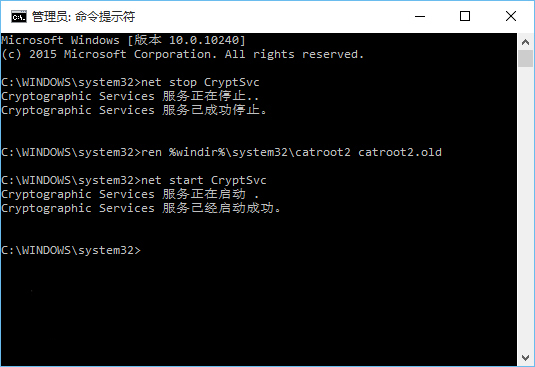
net stop CryptSvc
ren %windir%\system32\catroot2 catroot2.old
net start CryptSvc
net stop wuauserv
regsvr32 wuapi.dll /s
regsvr32 wups.dll /s
regsvr32 wuaueng.dll /s
regsvr32 wucltui.dll /s
regsvr32 wuweb.dll /s
regsvr32 msxml.dll /s
regsvr32 msxml2.dll /s
regsvr32 msxml3.dll /s
regsvr32 urlmon.dll /s
net start wuauserv
regsvr32 softpub.dll /s
regsvr32 initpki.dll /s
regsvr32 mssip32.dll /s
regsvr32 wintrust.dll /s
regsvr32 dssenh.dll /s
regsvr32 rsaenh.dll /s
regsvr32 gpkcsp.dll /s
regsvr32 sccbase.dll /s
regsvr32 slbcsp.dll /s
regsvr32 cryptdlg.dll /s
regsvr32 jscript.dll /s
錯誤 0x8024402f 通常為電腦與 Win10 伺服器連線問題,重設更新服務即可解決。