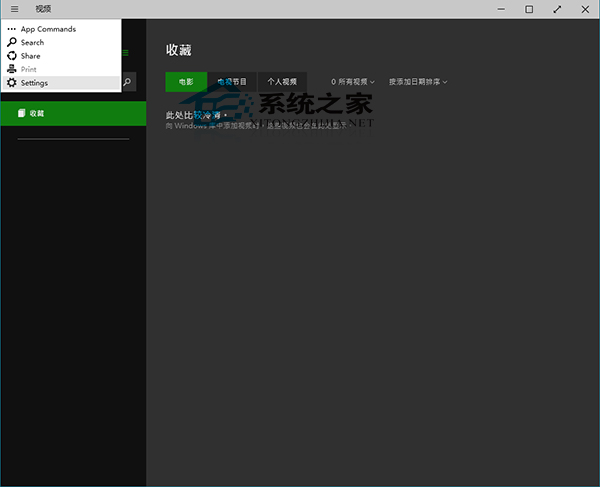
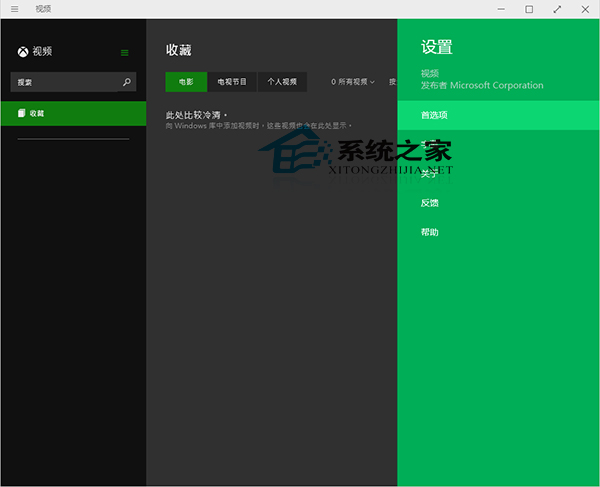
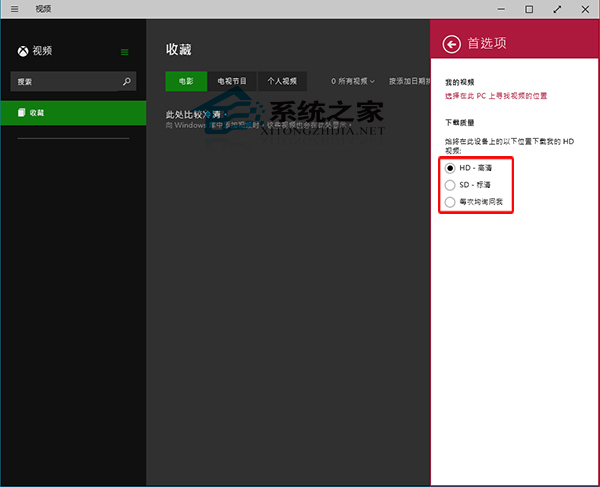
Windows 10 影音應用程式可設定影片下載品質,操作如下。
亦可安裝相容 Windows 10 的第三方影音播放軟體。
Win10 10240 版啟用全螢幕開始選單(最大化模式)設定教學
Win10 桌面圖示消失?三種情況分類解決
Win10 資料夾出現鎖頭圖示?那是加密屬性造成的
透過 360 升級 Win10 顯示已啟用是否真啟用?數位授權洗白與重裝避坑指南
無法取得 Win10 預覽版?UAC 最高等級導致「修復我」失效,降級即可解決
Win10 待機喚醒後 Wi-Fi 斷線/無法連線 三大解決方案
Win10 桌面壁紙尺寸不符導致變形?用美圖秀秀裁切至螢幕解析度完美適配
Win 10 檔案總管 Ribbon 功能區不見了?三招找回:快速存取工具列、右鍵選單、展開按鈕