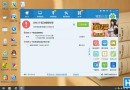
預裝 Win10 筆電常因捆綁大量軟體(如 McAfee)導致緩慢。解決方法:
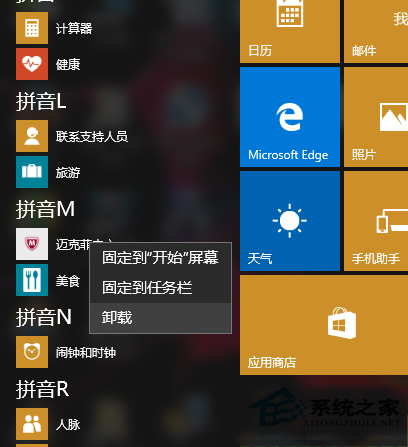
開始功能表 → 「所有應用程式」找到 McAfee → 右鍵解除安裝。
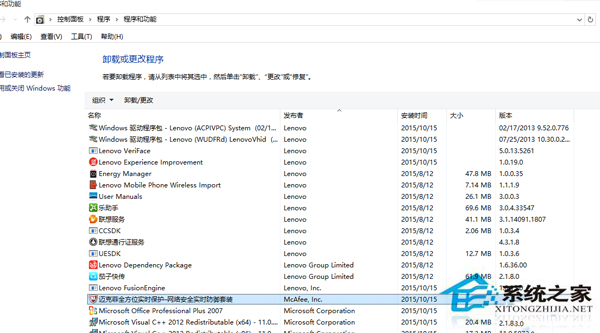
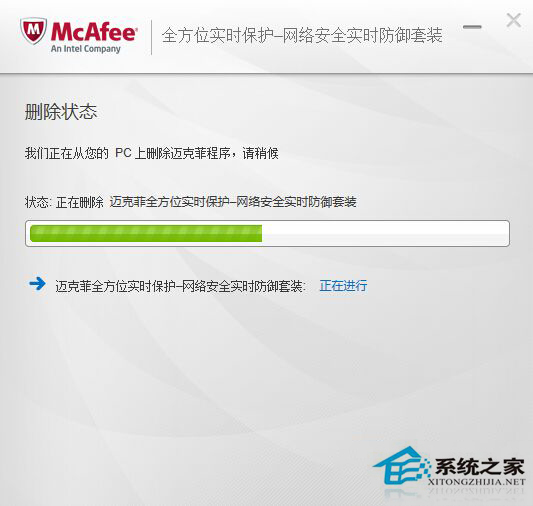
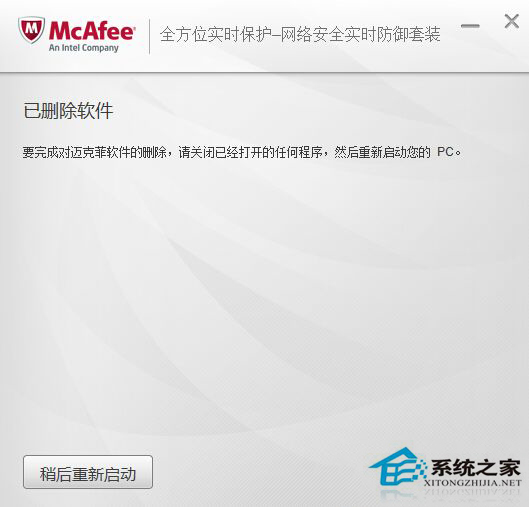
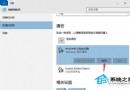
Win+X → 「程式和功能」找到 McAfee(可能有兩個)→ 右鍵解除安裝。完成後重啟 Win10。
除 McAfee 外,其他無用軟體也可解除安裝,系統會流暢許多。
Win10 開始選單找不到控制台?兩招快速開啟:桌面圖示設定 或 Win+X 選單
升級 Windows 10 後螢幕閃爍怎麼辦?進入安全模式停用獨顯或重裝驅動
如何設定 Windows 10 更新後不提示自動重新開機?
Win10 Edge 瀏覽器新增 HTML5 影片播放控制:支援倍速、靜音、存檔
Win10 玩遊戲無法全螢幕、閃爍、花屏?啟用 DirectPlay 元件相容舊版 DirectX 解決
Win10 開機提示「系統資源不足無法完成 API」解決方法
Win10 內建壓縮/解壓縮 ZIP 功能:右鍵傳送到壓縮資料夾、右鍵全部解壓縮
Windows 10 桌面背景變黑無法更改的解決方法