Windows 10 Mobile 內建 Project Astoria 安卓兼容層,可運行經轉換的 Android APK(如支付寶)。本文揭露安裝流程、需求條件與微軟戰略意圖。
核心機制
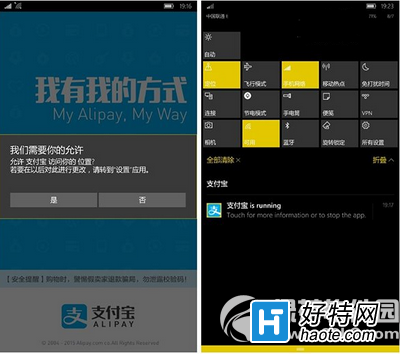
Win10 Mobile 10240 版本內置 Android 系統兼容層(Project Astoria),支援將 APK 轉制為 Appx 格式側載安裝。
安裝需求
- Win10 Mobile 10149 版本以上(內置 Astoria 環境)。
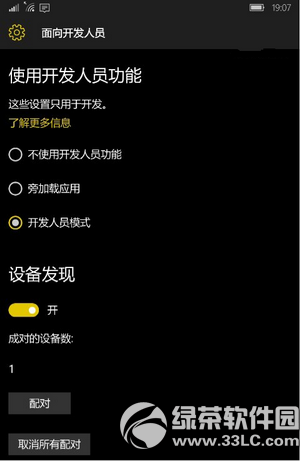
- 手機開啟「開發人員模式」。
- 電腦安裝微軟發放的 Astoria 部署工具。
- 電腦與手機配對,透過命令列部署轉制後的 Appx 檔案。
戰略定位
- Project Astoria 仍在 NDA 保密期,曝光屬違約行為。
- 微軟最終不會讓 Win10 Mobile 直接相容 APK,未來核心仍是 UWP 通用應用平台。
- Astoria 目的是降低開發者移植成本,而非讓用戶直接用 Android 應用。
現狀提醒
此為早期技術預覽,穩定性、相容性、效能均未達產品級。普通用戶不建議嘗試,以免導致系統不穩或安全風險。