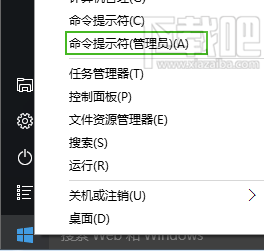
Win10 CMD 提供 for /r 指令,可像 Linux find 一樣遞迴搜尋檔案,速度遠快於圖形介面搜尋,適合大量檔案環境快速定位。
for /r 目錄名 %變數 in (比對模式1,比對模式2) do 指令
比對模式 支援萬用字元,如 *.jpg、*test*,至少需包含一個 *。do @echo %變數。# 列出 TestDir 及子目錄所有檔案
for /r TestDir %i in (*) do @echo %i
# 找出所有 .txt 檔
for /r TestDir %i in (*.txt) do @echo %i
# 找出 .txt 與 .jpg
for /r TestDir %i in (*.txt,*.jpg) do @echo %i
# 找出檔名含 test 的檔案
for /r TestDir %i in (*test*) do @echo %i
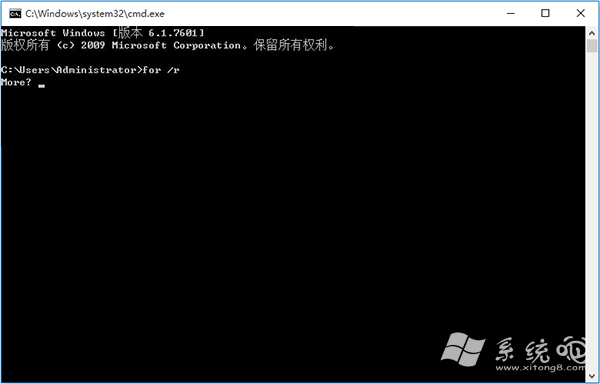
CMD for /r 搜尋示意
注意:比對模式若無 *,會輸出所有子目錄路徑加上模式字串,非預期結果。習慣此指令可大幅提升檔案搜尋效率。