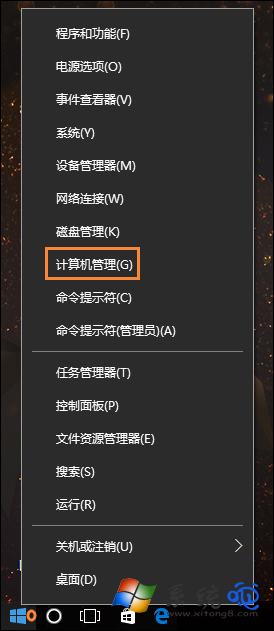
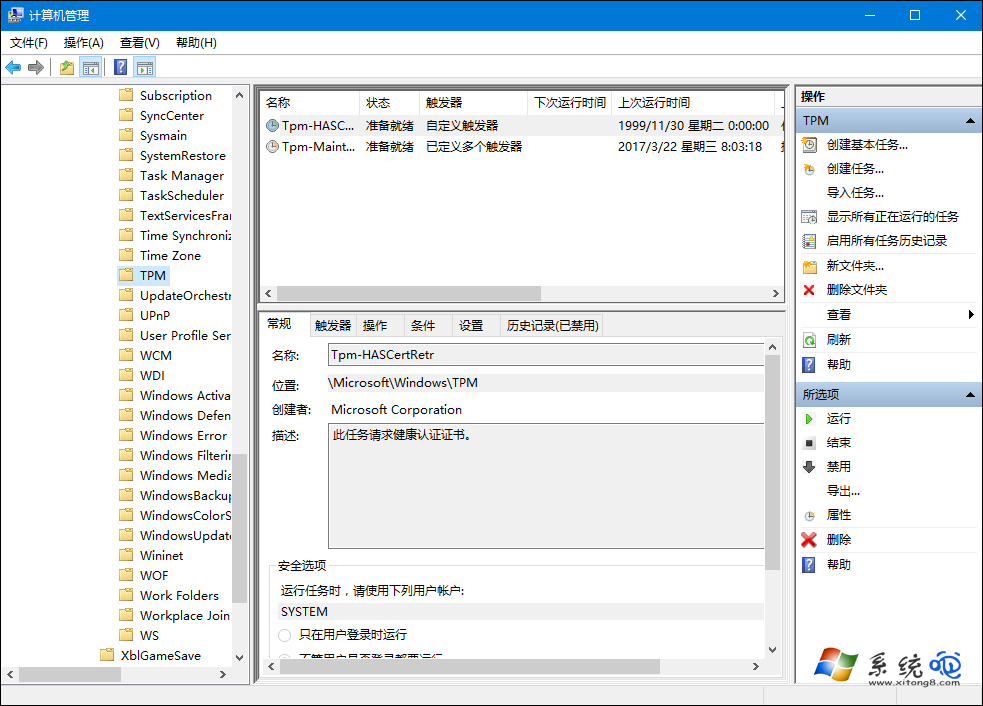
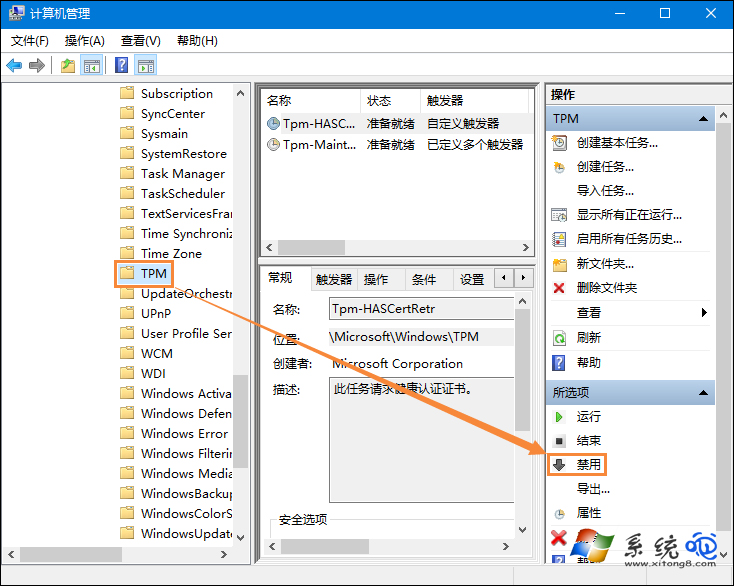
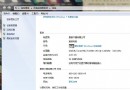
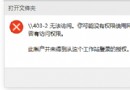
新滑鼠或未校準裝置游標會自動亂動,若非硬體故障(灰塵、桌面不平、感應器髒污),常為 TPM (Trusted Platform Module) 相關排程任務 干擾。電腦管理 → 工作排程器 → Microsoft → Windows → TPM → 右側 停用 即可解決。
工作排程器 → 工作排程器程式庫 → Microsoft → Windows → TPM
後續排查:停用後仍亂跑,請清潔滑鼠感應器、更換鼠墊、嘗試其他 USB 埠、更新滑鼠驅動;若皆無效則為滑鼠硬體故障需更換。
Win10 設定待機喚醒需密碼教學:電源選項六步驟啟用
Win10 如何在右鍵選單新增「註冊 DLL」與「反註冊 DLL」?快速修復缺少 DLL 錯誤
Windows 10 提示「沒有權限使用網路資源」:認證管理器新增 Windows 憑證解決存取被拒
Win10 開始菜單打不開/報錯?安全模式+重新部署 UWP 徹底修復
VMware Workstation 10 安裝 Win10 虛擬機完整教程:ISO 掛載/客戶機選 Win8/64 位對應
Win10 關閉 UAC 解決 Realtek HD Audio 驅動更新失敗 0x80070002
Win10 一開機就黑屏怎麼辦?硬體/軟體雙向排查與禁用鎖定畫面
Win 10 Build 9879 硬碟無法辨識原因分析:PUIS (按需啟動) 模式導致