Windows 10 桌面捷徑預設會顯示小箭頭標誌,許多使用者偏好純淨外觀。本文提供透過登錄編輯與重建圖示快取的批次檔,一鍵移除小箭頭,操作簡單無需第三方工具。
reg add "HKEY_LOCAL_MACHINE\SOFTWARE\Microsoft\Windows\CurrentVersion\Explorer\Shell Icons" /v 29 /d "%systemroot%\system32\imageres.dll,197" /t reg_sz /f
taskkill /f /im explorer.exe
attrib -s -r -h "%userprofile%\AppData\Local\iconcache.db"
del "%userprofile%\AppData\Local\iconcache.db" /f /q
start explorer
pause.bat(檔名自訂)。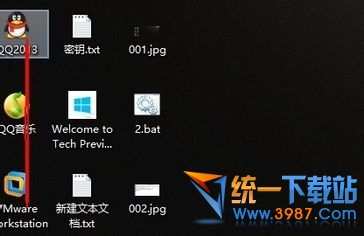
原理說明:透過登錄指定空白圖示索引 197 取代預設小箭頭,並重啟總管進程重建圖示快取生效。