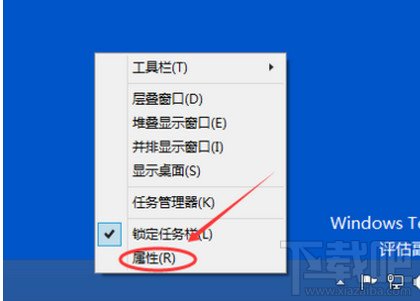
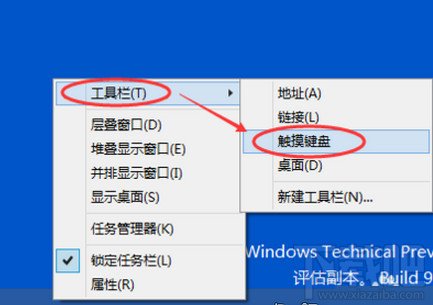
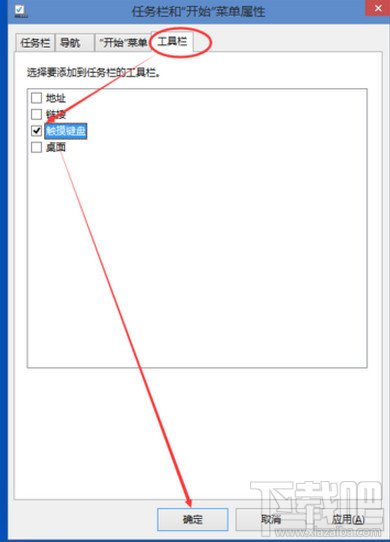
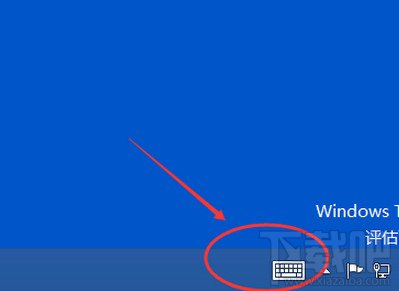
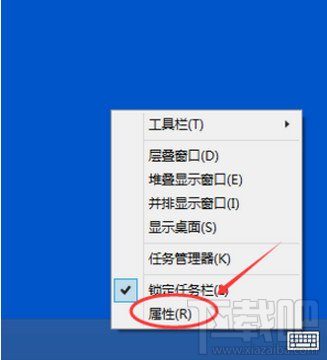
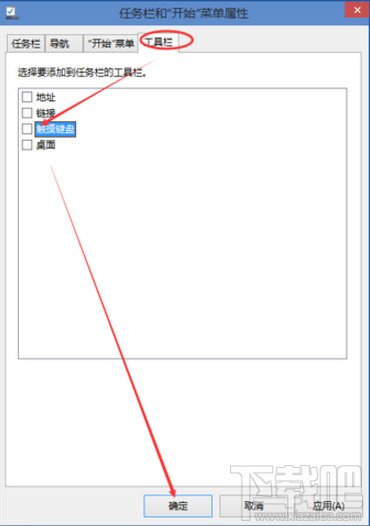
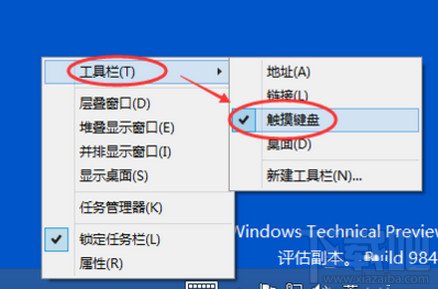
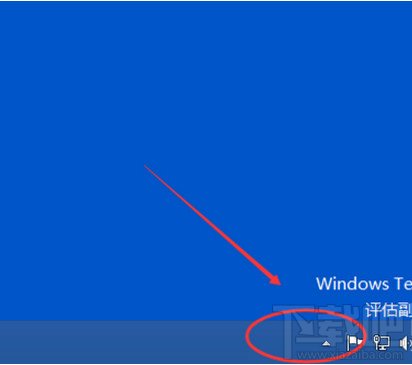
開啟
關閉
觸控裝置必備,非觸控可關閉省資源。
Win10 使用 Charms 選單 (超級按鈕) 教學:Win+C 喚出、五大功能詳解
Win10 開機卡在「正在掃描和修復磁碟機」?chkdsk 掃描修復 + 磁碟清理解決
Win10 命令提示字元全面進化:支援複製貼上、自動換行、半透明、TrueType 字體
Win10 更換桌面背景圖片的兩種簡單方法
Win 10 音量混合器綠色音量條不見了?開啟「視窗動畫」找回
Windows 10 Build 10240 升級教學:Windows Insider 成員透過 Windows Update 取得
Windows 10 本機帳戶與 Microsoft 線上帳戶互相切換完整教學
Win10 如何設定開機密碼?設定 → 帳戶 → 登入選項 → 密碼新增完整圖文教學